8
Operating the Clock
EN
Auto Clock Set
You do not have to set the clock time as a
built-in automatic time set system is
equipped in this clock powered by 3V (2
X AA batteries (included). All you have to
do is to plug this clock for power and cur-
rent time will be shown automatically.
However, the batteries can also be ex-
hausted and we recommend that you re-
place the batteries every 3-5 years.
Before you Plug for Power
1. Setting Time Zone
You may slide the time
zone selector at the bot-
tom of the clock to East-
ern, Central, Mountain
or Pacific.
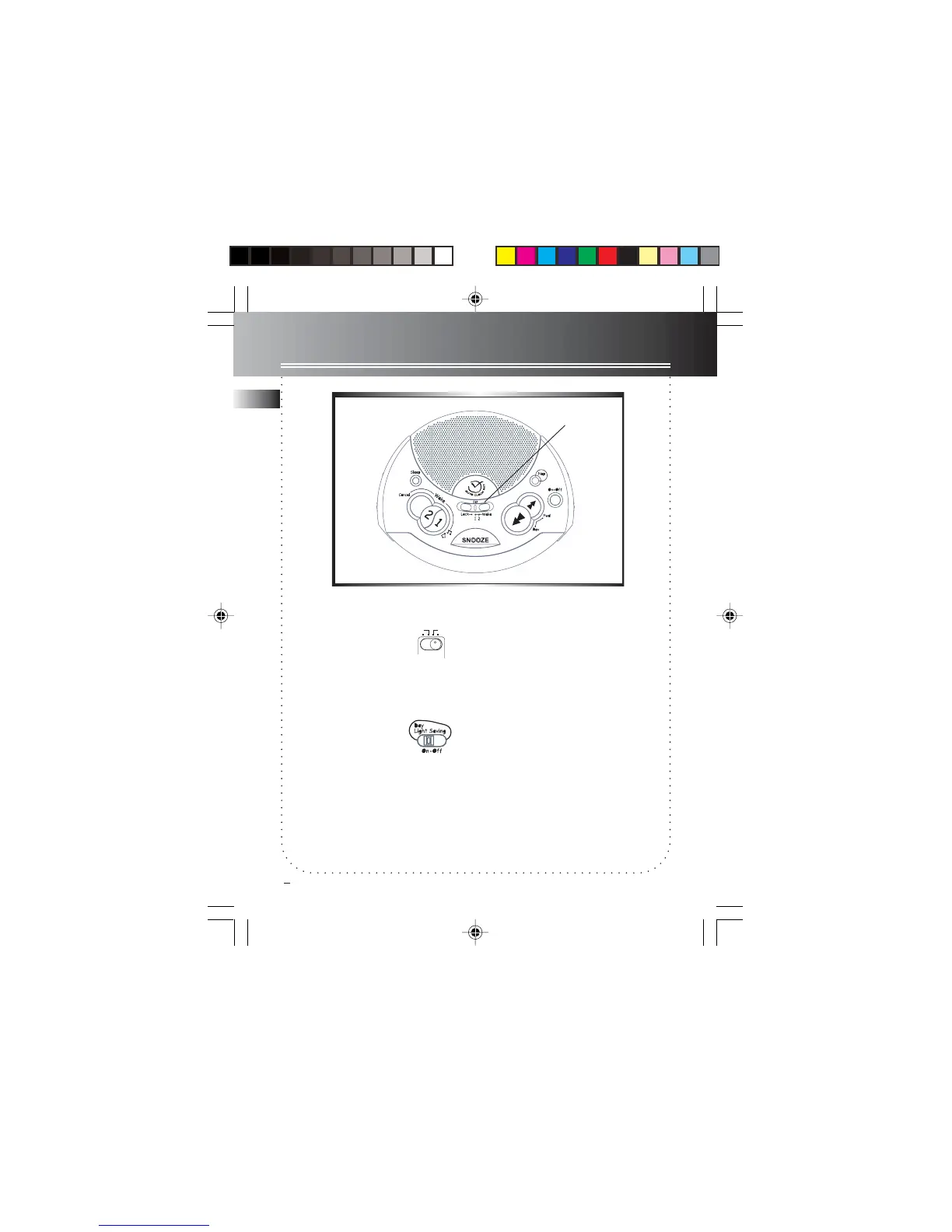
2. Day Light Saving
You can slide the DAY
LIGHT SAVING switch at
the side of the unit to turn
on/ off in areas observing/
not observing such time
change.
WARNING: Please avoid playing with
these buttons after entering the
Clock/Alarm set mode.
CENTRAL
EASTERN
MOUNTAIN
PACIFIC
SET switch
7-4894 EN-US 1/6/03, 8:33 AM9



 To Next Page