5
Operating the Clock
EN
Setting the WAKE Time
Your digital clock operates on a 12-hour
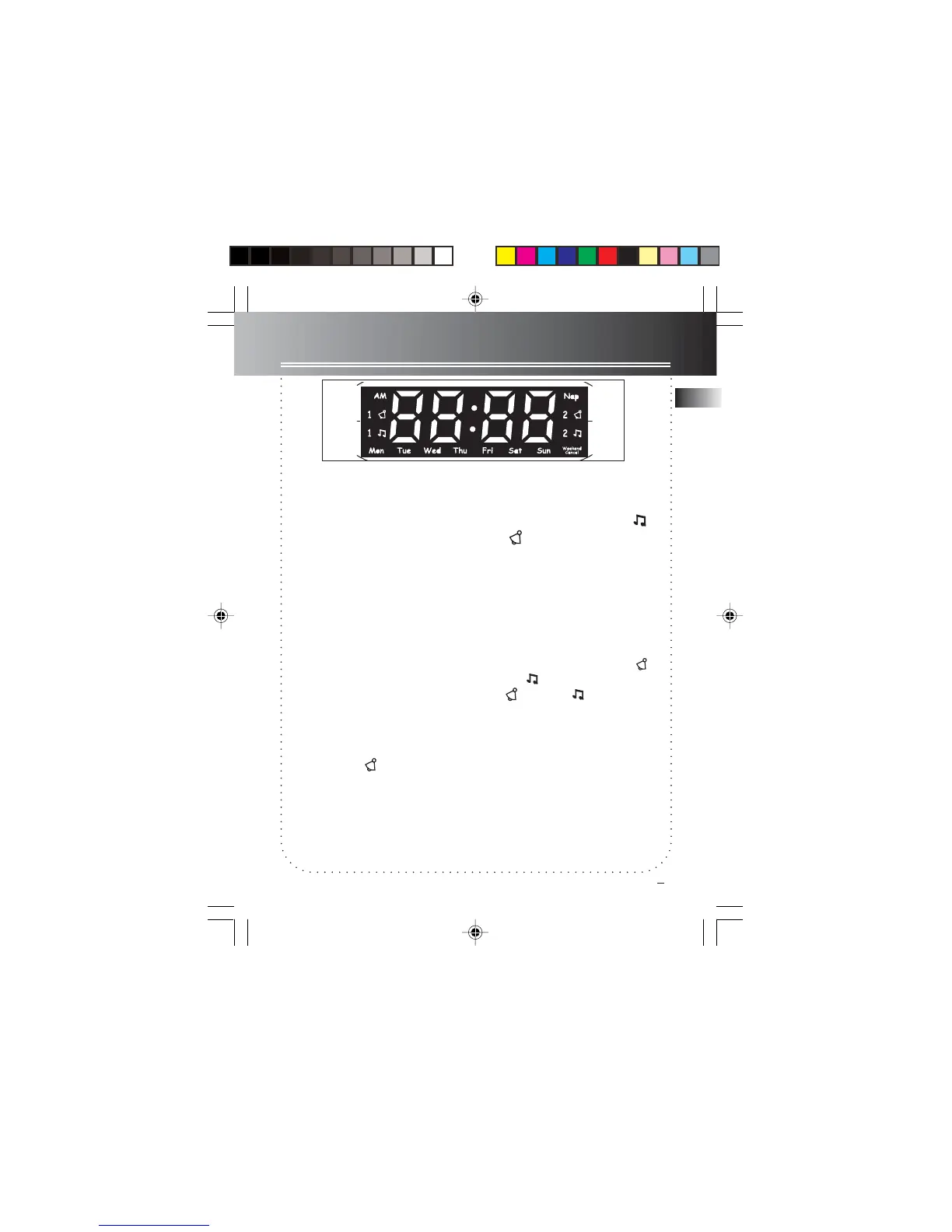
standard mechanism. A green indicator
will be shown next to AM when the unit
is reading AM time.
1. Slide the SET switch to WAKE 1 or
WAKE 2. (An indicator is activated.)
2. Press REV or FWD to set the wake time.
The time decrements or increments will
follow by a faster rate when you press
and hold either REV or FWD.
3. After WAKE time is set, slide the SET
switch to LOCK position.
Tip: The unit equips with
GRAD-U-WAKEGRAD-U-WAKE
GRAD-U-WAKEGRAD-U-WAKE
GRAD-U-WAKE
feature, the alarm tone volume will in-
crease gradually to its maximum in about
30 to 45 seconds.
Tips: If you set SLEEP function with low
volume level before going to bed, we ad-
vise using ALARM
mode to wake you up
since its volume will automatically increase.
Waking by Selected Source
Programme
You may be woken up by music or
alarm
.
1. Select an AM or FM station.
2. Set wake time (see above direction).
3. Press the WAKE 2 or WAKE 1 button
to select waking up by music or alarm.
A green indicator is up next to the se-
lected setting.
4. Adjust the volume by turning VOLUME.
Note: When you turn off the alarm
or
the music by pressing
ON/OFFON/OFF
ON/OFFON/OFF
ON/OFF, the
alarm
or the music will turn on at the
same time tomorrow.
7-4894 EN-US 1/6/03, 8:33 AM6



 To Next Page