– 45 –
Self-Check and Force Mode
STEP LED1 LED2
COMPRESSOR
RY101
RVS
LINE BREAK
RY102
HEATERS I.D Fan O.D Fan MODE
0 ¤¤ - - - - - - STOP
1 ¤* ¤ ¤ - - LL
Cooling
L
2 -¤ ¤ ¤ - - LL
Cooling
L
3 -- ¤ ¤ - - HH
Cooling
H
4 -- - - ¤ - LL
Fan
L
5 -- - - ¤ ¤ HH
Heater
H
6 -- - - - ¤ HH
Fan
H
7 -- ¤ - - - HH
Heater-Pump
H
Troubleshooting
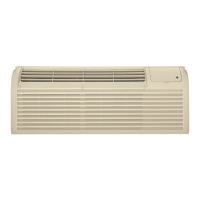
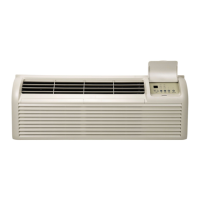
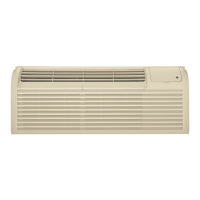
The Zoneline unit incorporates a forced function feature so that components can be operated regardless of
ambient conditions to allow testing of various components.
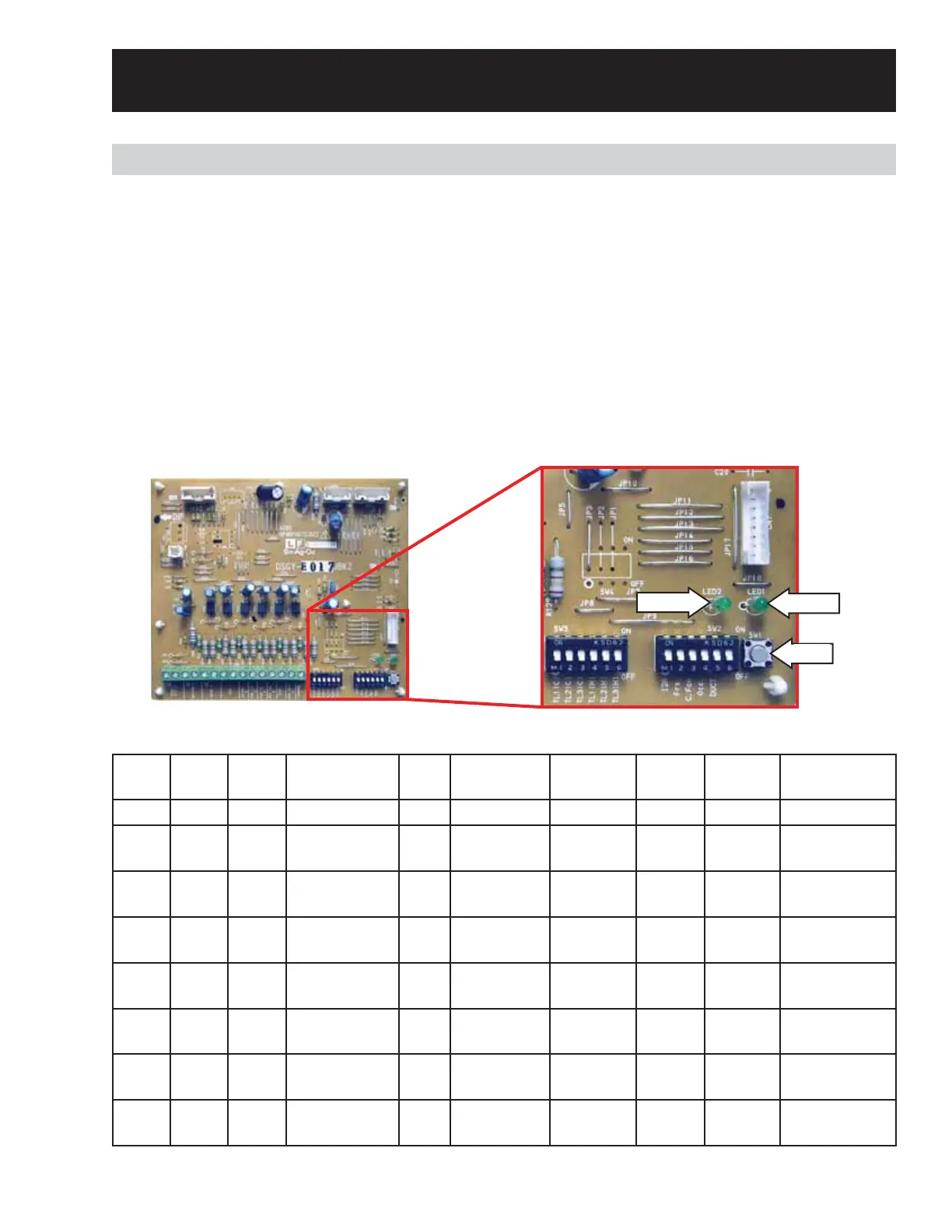
To enter the self-check and force mode:
1. Disconnect the unit from power.
2. Access the main board. (See
Main Board.)
3. Push SW1 for 5 seconds and at the same time put the power on.
4. Then change step by step by pushing SW1.
Reset power to exit the self-check and force mode.
RVS = Reversing Valve Solenoid
85H SERIES
LED 2
LED 1
SW1
(Continued next page)
¤ : ON * : BLINK
- : OFF



 To Next Page