12 1312 13
Using the Mode Button
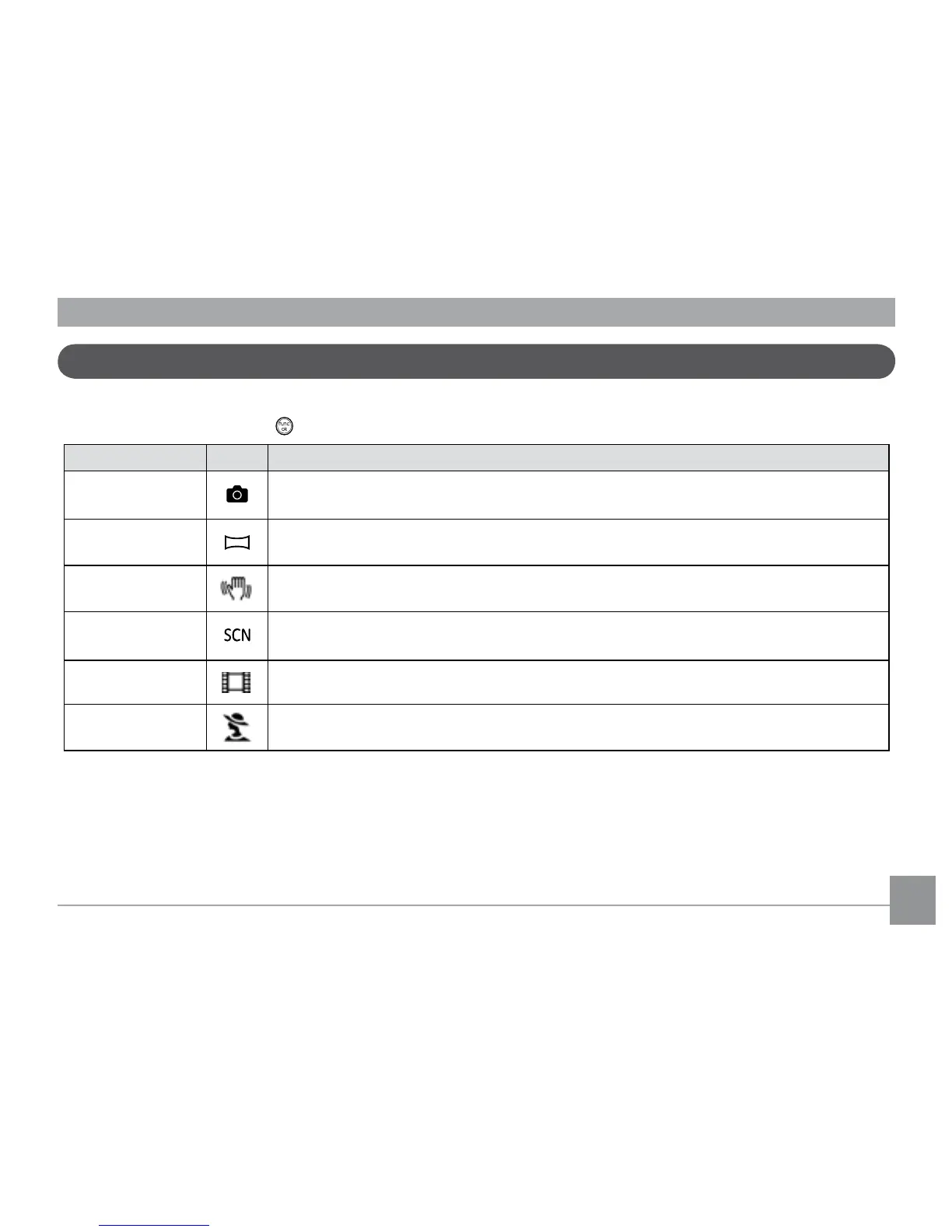
The GE camera provides a convenient Mode Button that allows you to switch between dierent modes with ease. Press Left/Right
button to choose the mode, press to select. All the available modes are listed as follows:
Mode Name Icon Description
Auto mode
Switch to take still pictures in automatic mode.
Panorama mode
Switch to capture a sequence of shots and stitch them together into a panoramic photo.
Stabilization mode
Switch to take still pictures by reducing the blurs caused by hand shake, under low luminance, or
slow shutter speed.
Scene mode
Switch to take still pictures in 20 dierent scene types by your choice.
Movie mode
Switch to record videos.
Portrait
Switch to take portrait pictures under normal condition.



 To Next Page