Proprietary – See Copyright Page 17 e-terrapowercom v2 Installation Manual
5.3 BPL Signal Interface
5.3.1 Overall description
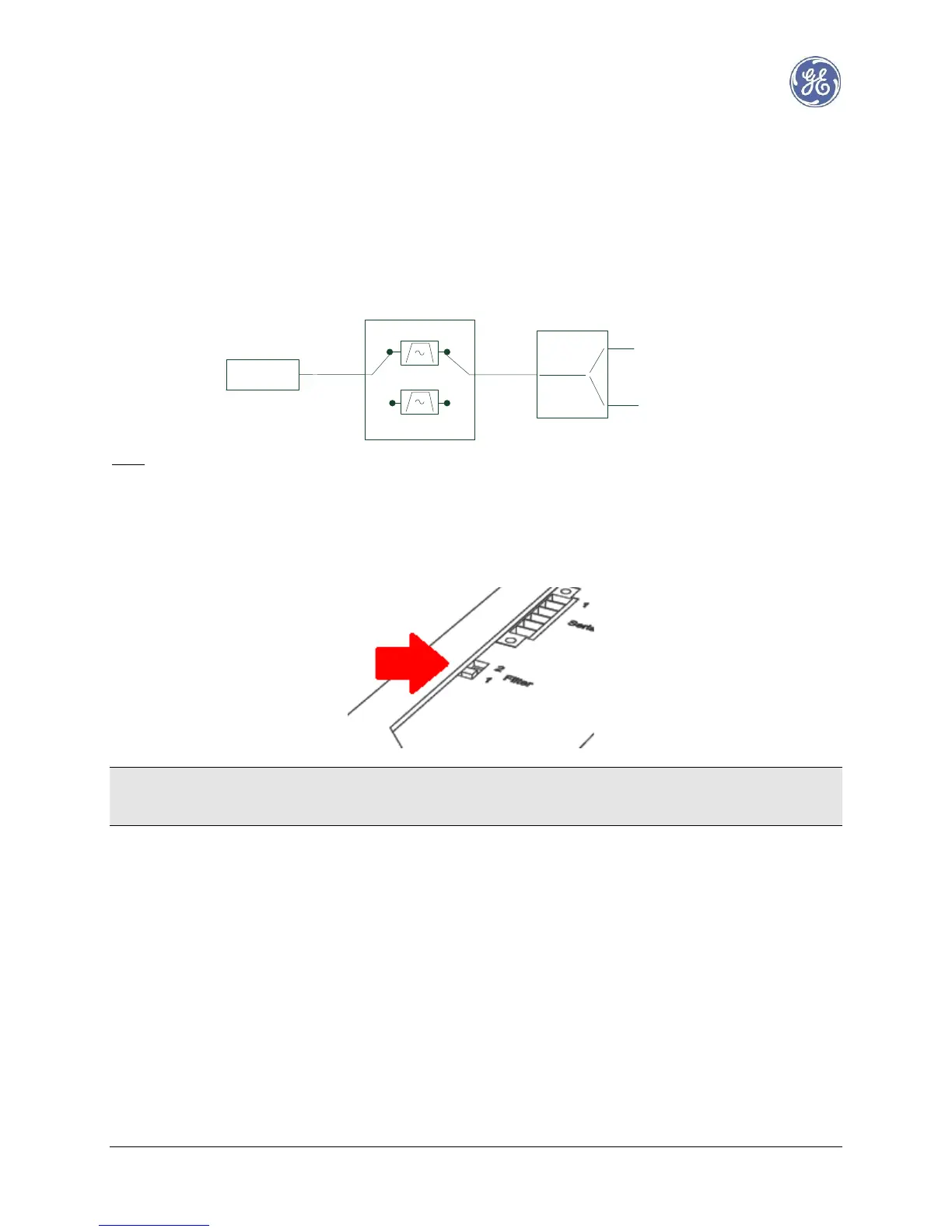
BPL transceiver is linked to a pair of BPL ports through:
- a selectable High Frequency filter
- a configurable splitter / combiner
Note: BPL transceiver already has an HF filter covering the full band [1 – 34 MHz]
5.3.2 Selectable Filter
Depending on the configuration of the mother board (see Annex for details) two filter positions are available
for manual selection using the top panel switch.
Warning: positions 1 and 2 have been inverted on earlier production batches (those without the danger sign
on BPL port). In this document, please refer to the picture above and consider position 1 as front position and
position 2 as rear.



 To Next Page