48 4948 49
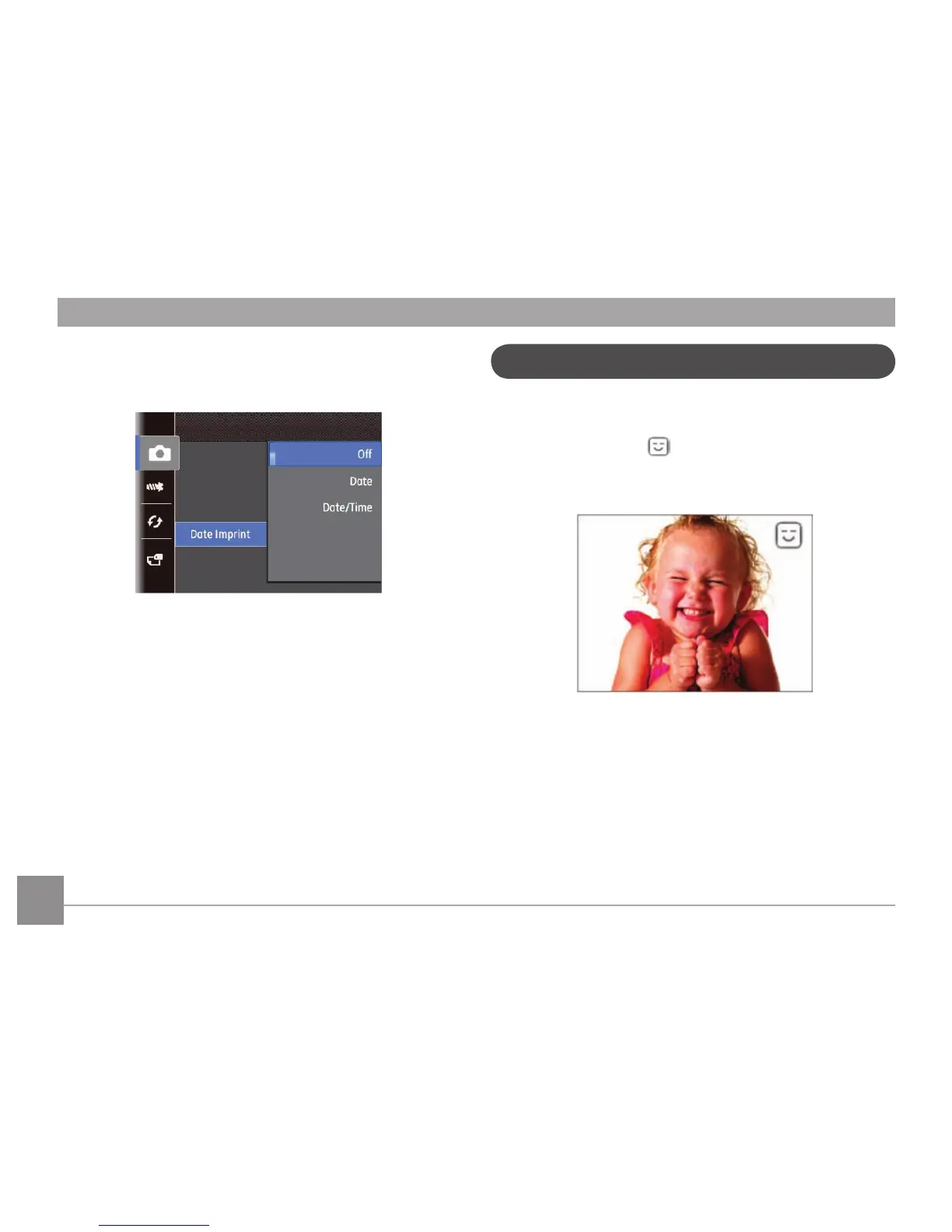
Date Imprint
Include a Date/Time stamp in the photo image.
• O
• Date
• Date / Time
Blink Detection
Blink Detection is enabled by default unless disabled by the
user. When shooting, if a subject is detected with its eyes closed,
the Blink Detection icon
will appear on the screen to show
that a blink was detected.



 To Next Page
 Loading...











