66 6766 67
Supported HDMI Connection
HDMI (High Denition Multimedia Interface), is a fully
digital audio/video transmission interface, through which
uncompressed audio and video signals are transmitted.
Direct transmission of digital video signals to your TV reduces
conversion loss and improves image quality.
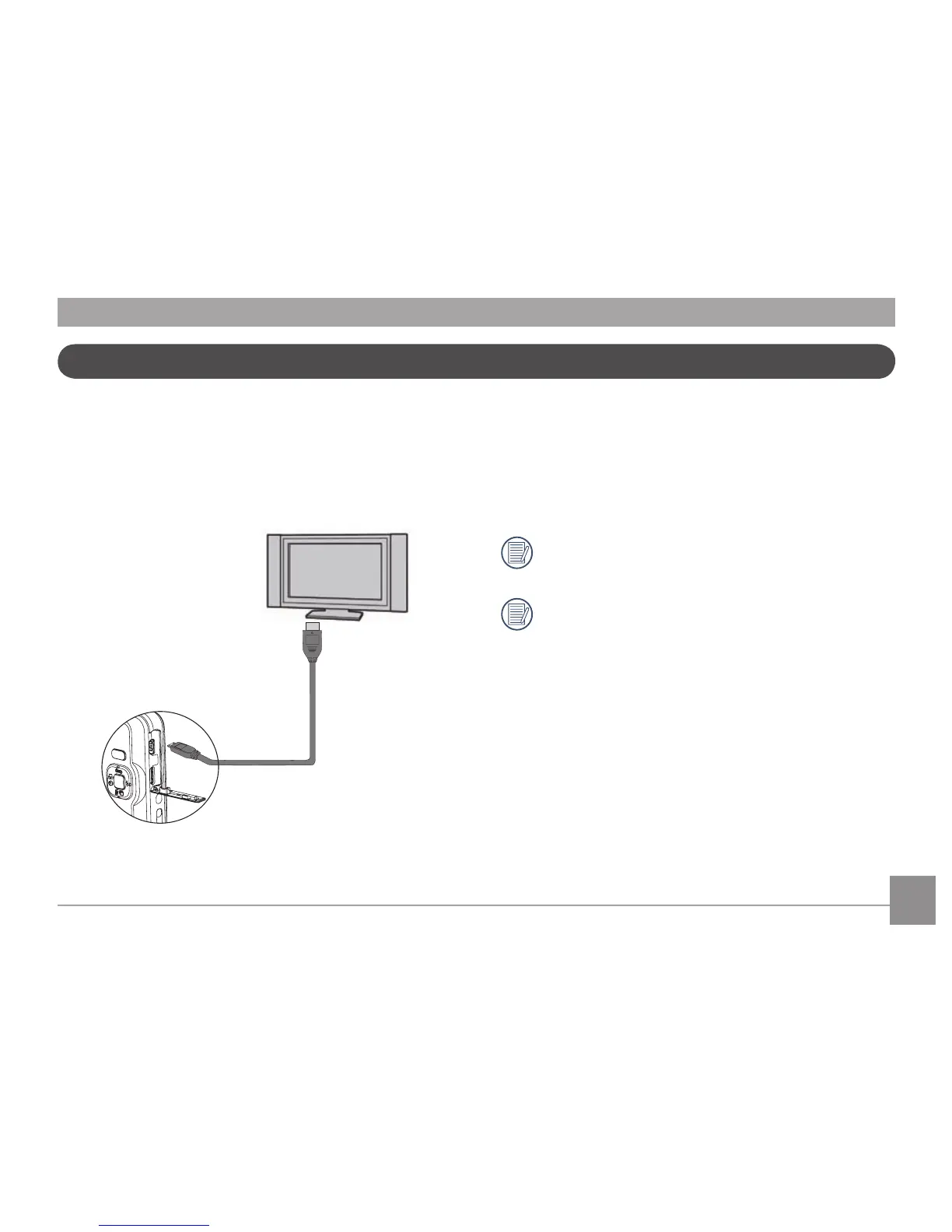
Connecting the camera to an HDMI TV
1. Use a high-denition output terminal cable (optional) to
connect your camera to an HDMI compliant TV.
2. The camera will be automatically detected by the TV.
3. After connecting HDMI, the camera enters Play back mode.
Please turn on both the camera and TV before
connection.
Refer to your TV instruction manual for information on
what resolution sizes it will support. The resolution and
output formats that are not supported will be grayed
out on the camera's LCD screen.





 To Next Page