64 6565
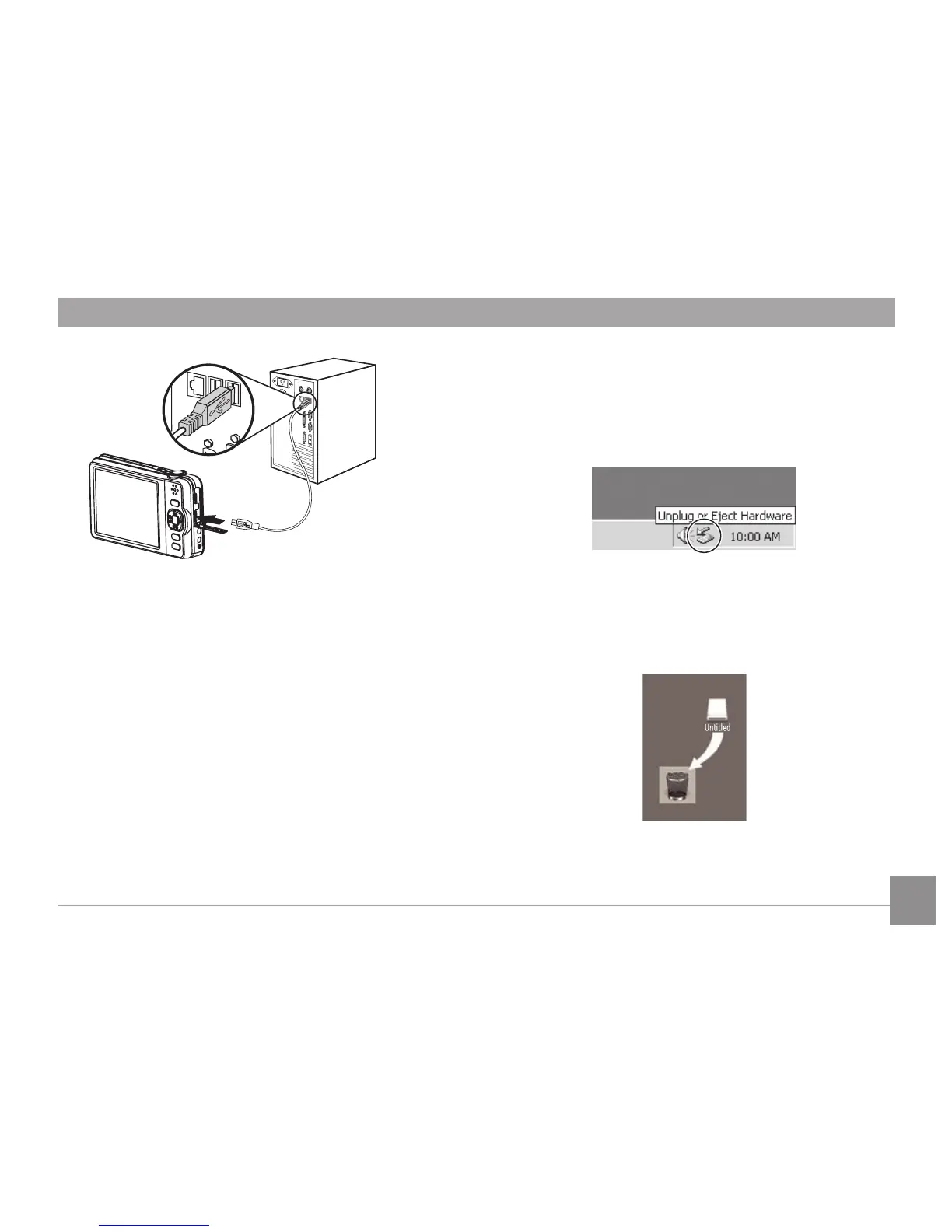
4. Disconnect the camera once transfer is completed.
If the USB option is set to [PC] :
Turn the camera o and disconnect the USB cable.
Windows operating system (Windows 2000, Windows XP,
Windows Vista, Windows 7).
Click the [Safely remove the hardware] icon and remove
the USB connector according to the appeared menu.
Macintosh
Drag the untitled icon to the Trash. ("Untitled")




 To Next Page