36 3736 37
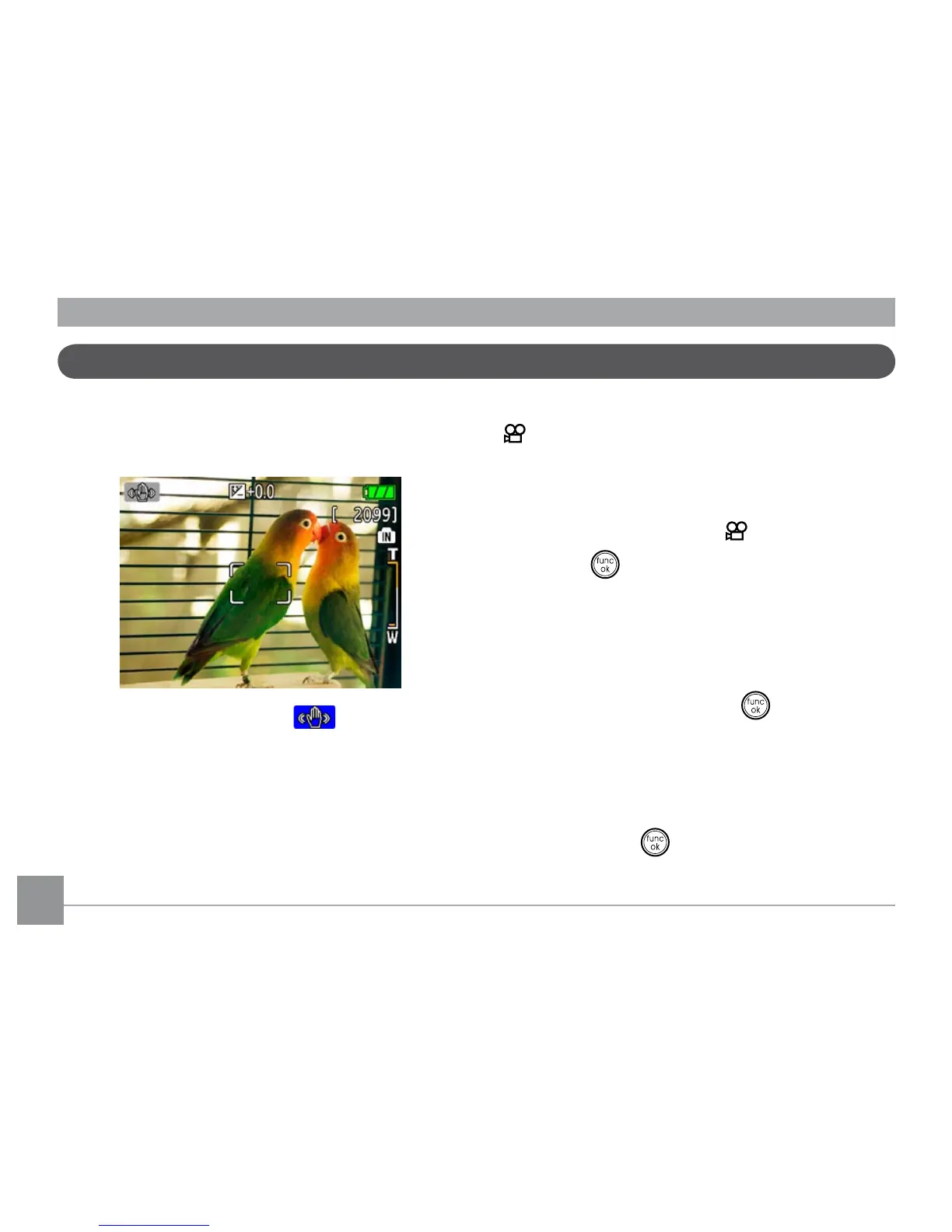
Image Stabilization mode
Setting the Image Stabilization function under
( ) mode.
(Stabilization during Movie mode is only
available when the Frame Rate is set to 15 fps)
1.Switch the mode dial to ( ) mode.
2.Press the button to enter the
Function
menu.
3.Use the
Left/Right
navigation buttons to
highlight the
Quality
function.
4.Use the
Up/Down
navigation buttons to
select 15fps, and press the button to
conrm your settings.
5.Press the
Menu
button, and use
Up/Down
to select the Image Stabilization settings.
6.Use
Up/Down
to select
Off
or
On.
Then press the button to conrm.
The Image Stabilization mode combats the
effect of hand shake and allows you to take
pictures that would otherwise be blurred.
1.Switch the mode dial to ( ) mode.
2.Press
Shutter
halfway to focus on the
subject.
3.Press
Shutter
fully to capture the image.



 To Next Page