59
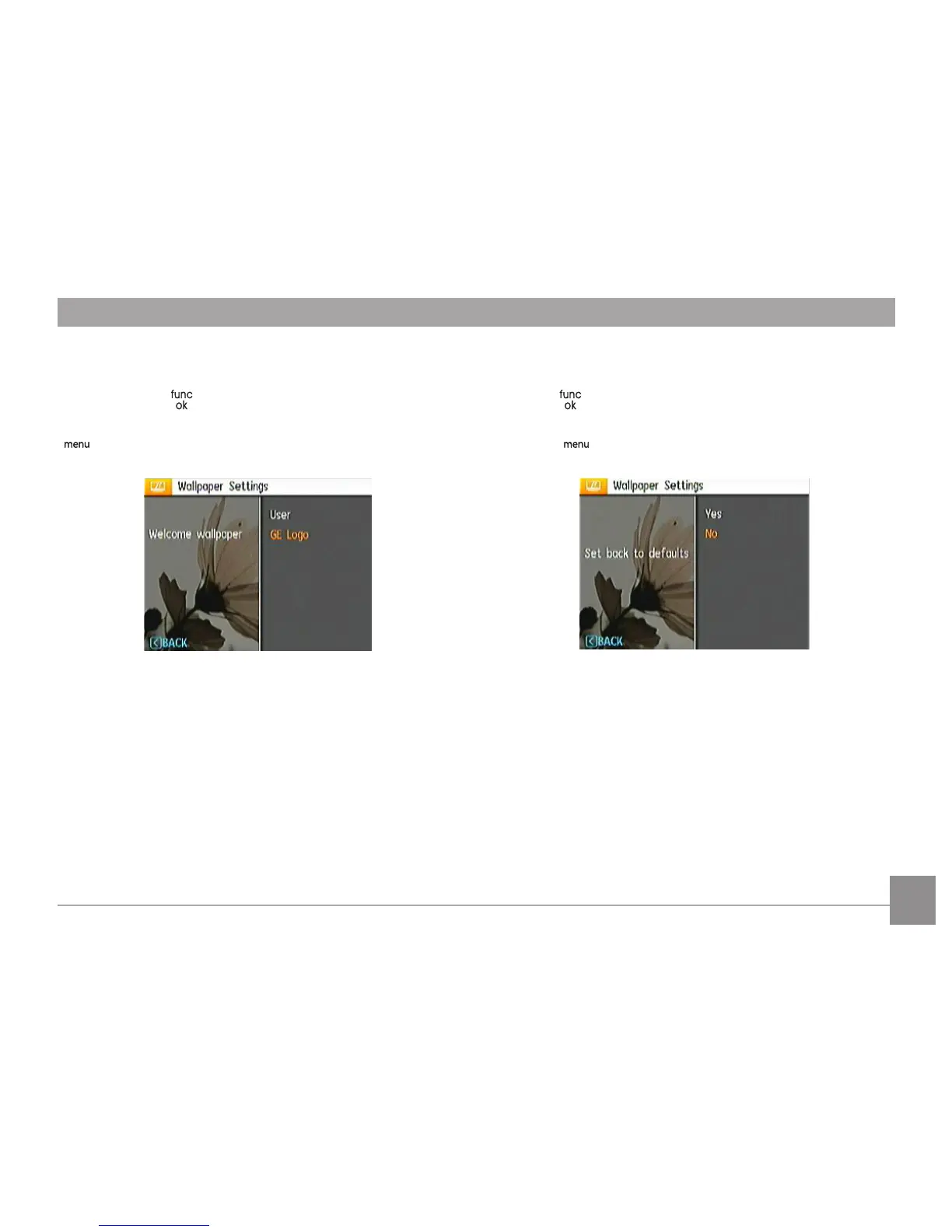
Startup Screen:
Use the UP/Down button to select the Welcome Wallpaper
option, press the or Right button to select welcome
wallpaper, press Left button to return to last page, and press
to exit the menu.
• UserUser
• GE Logo
Back To Default:
Use the Up/Down button to select the Back to Default option,
press the or Right button to select whether to take the
default settings, press the Left Button to return to last page,
and press to exit the menu.
• YesYes
• NoNo



 To Next Page
 Loading...












