60 6161
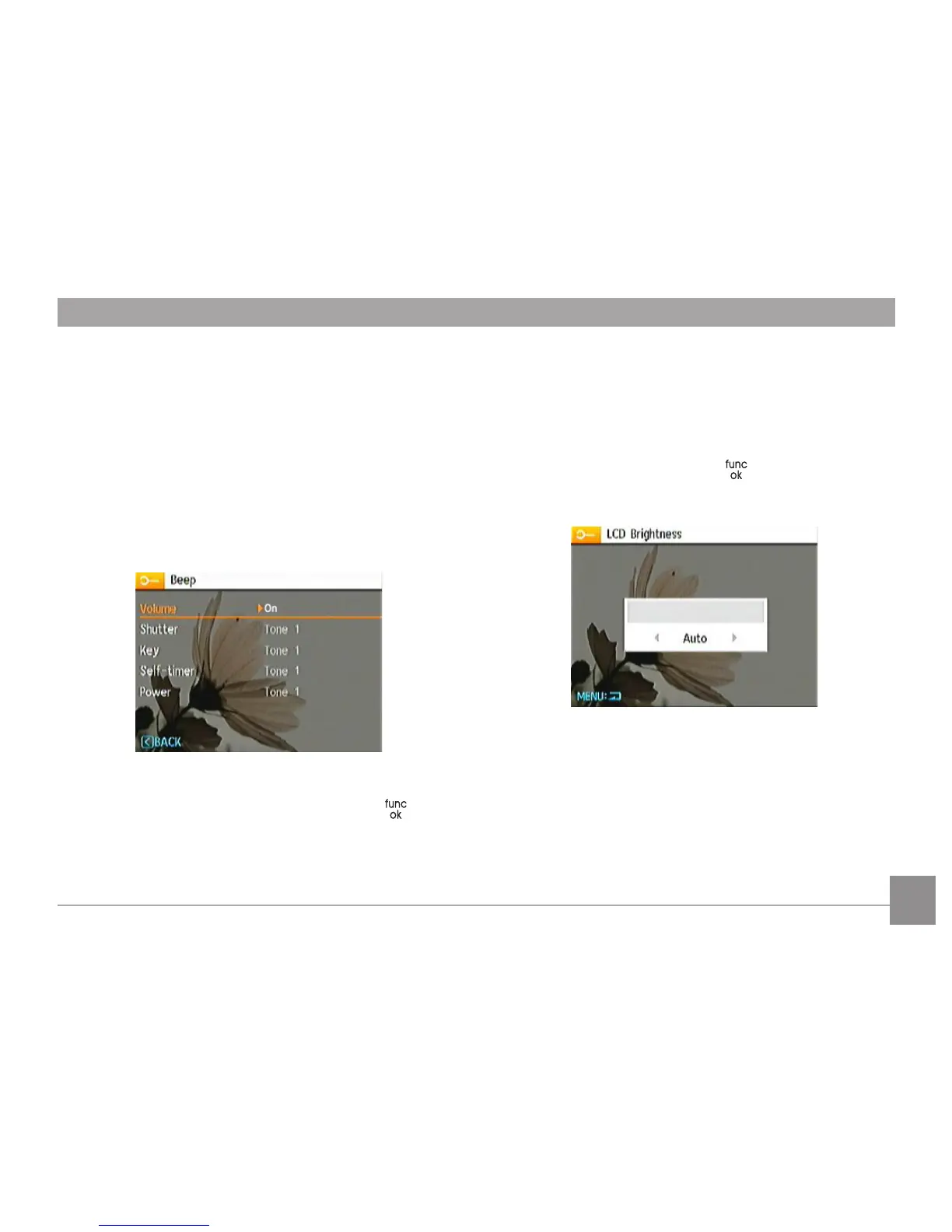
Beep
Use this setting to adjust the beep volume when buttons are
pressed and change the tones for Shutter button, self-timer,
and power-on/power-o.
To change this setting:
1. Select the Beep setting from the Setup menu as described
previously.
2. Use the Up/Down navigation buttons to switch between
volume, shutter, key, self-timer, and power elds.
3. Press the Right button, then press the Up/Down button to
adjust volume and change tones, and press the button
to conrm the setting.
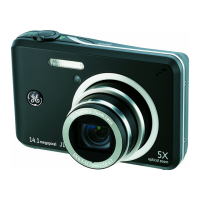
LCD Brightness
Use this setting to adjust the brightness of your LCD screen.
1. Select the LCD Brightness setting from the Setup menu
as described previously.
2. Select auto or adjust the brightness level by using the
Left/Right button, and press the button to conrm the
setting.



 To Next Page