16
About the other features.
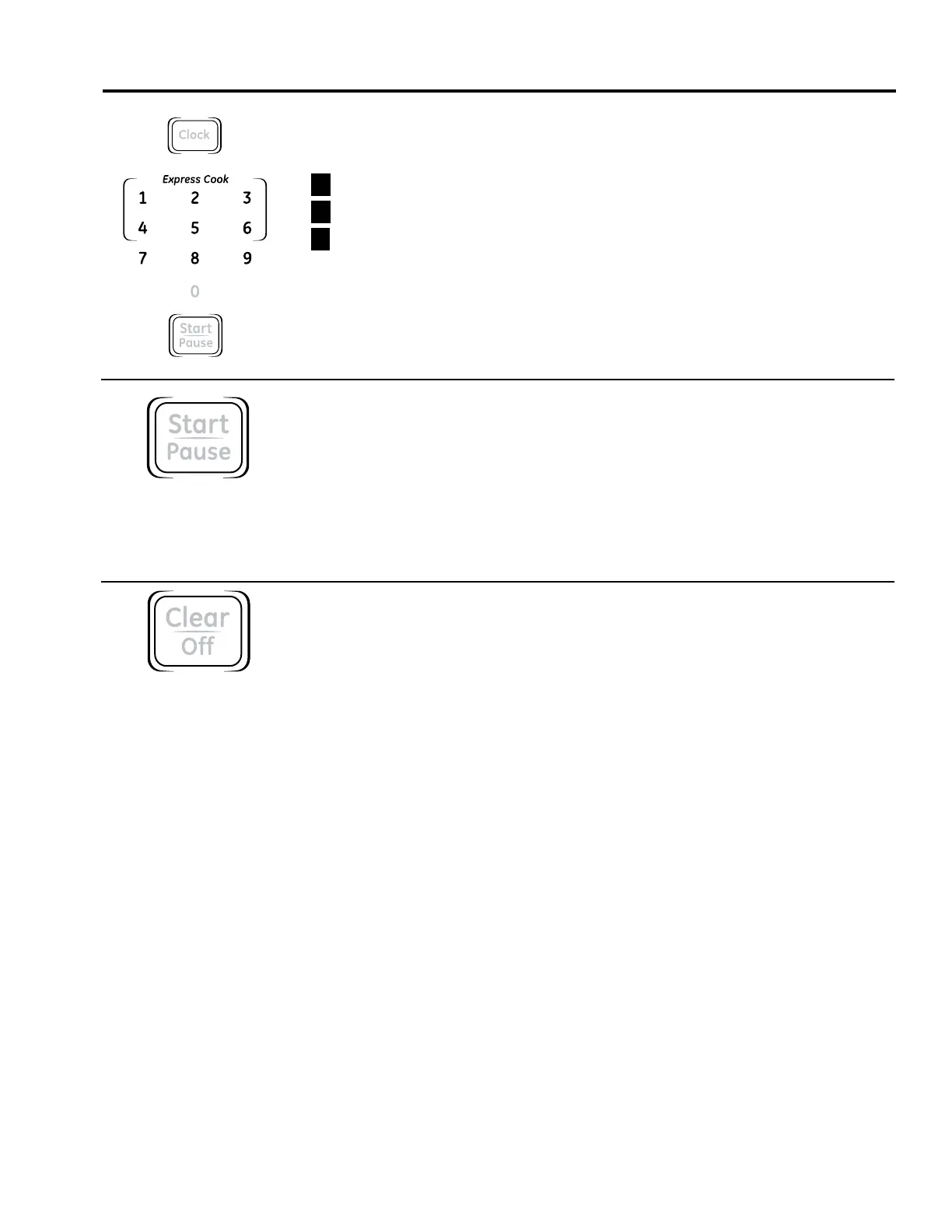
Clock
Press to enter the time of day.
1
Press CLOCK.
2
Enter time of day.
3
Press CLOCK.
Start
Pause
Pause
START/PAUSE allows you to stop cooking without opening the door or clearing the display.
Press START/PAUSE again to restart the oven.
Clear
Off
Child Lock-Out
You may lock the control panel to prevent the microwave from being accidentally
started or used by children.
To lock or unlock the controls, press and hold CLEAR/OFF for about three seconds.
When the control panel is locked, the lock indicator will be lit.
Express Cook
0
1
4
2
5
3
789
6
Clock
Start
Pause



 To Next Page