a
USING YOUR OVEN
(continued)
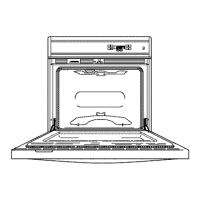
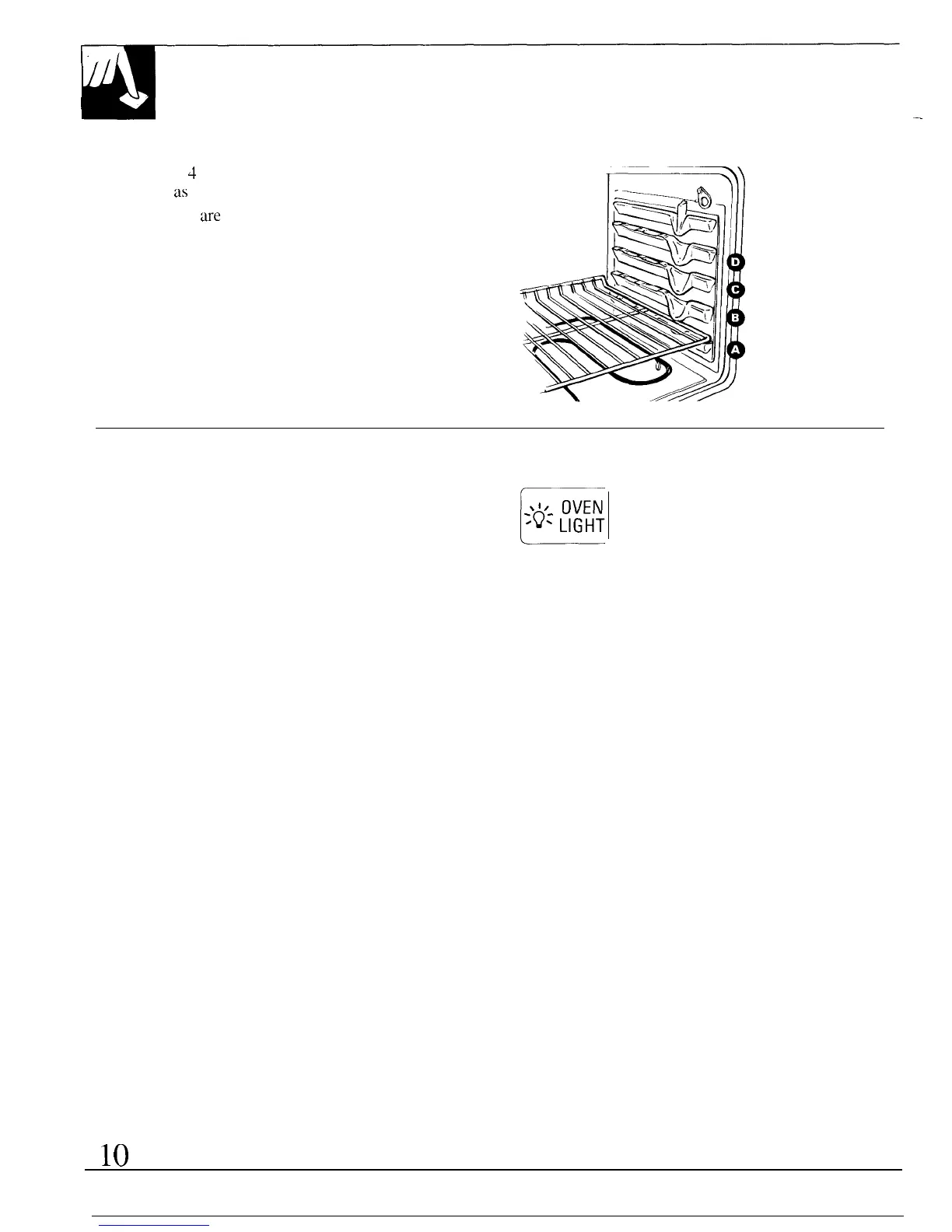
Shelf Positions
The oven has
4
shelf supports identified in this
illustration
as
A (bottom), B, C and D (top).
Shelf positions
w-e
suggested in the Baking, Roasting
and Broiling sections.
Oven Light
The light comes on automatically when the door
is opened.
Use the pad on the control panel to turn the light on
E
8’z.
OVEN
‘Q*
LIGHT
and off when the door is closed.
—



 To Next Page
 Loading...