7
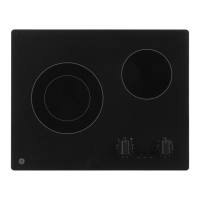
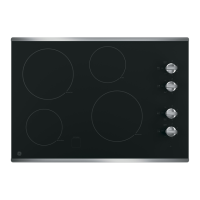
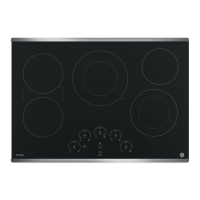
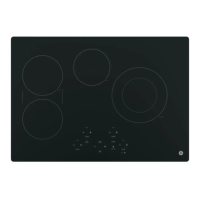
Cooktop Comparison Control Knobs
How to Set the Controls
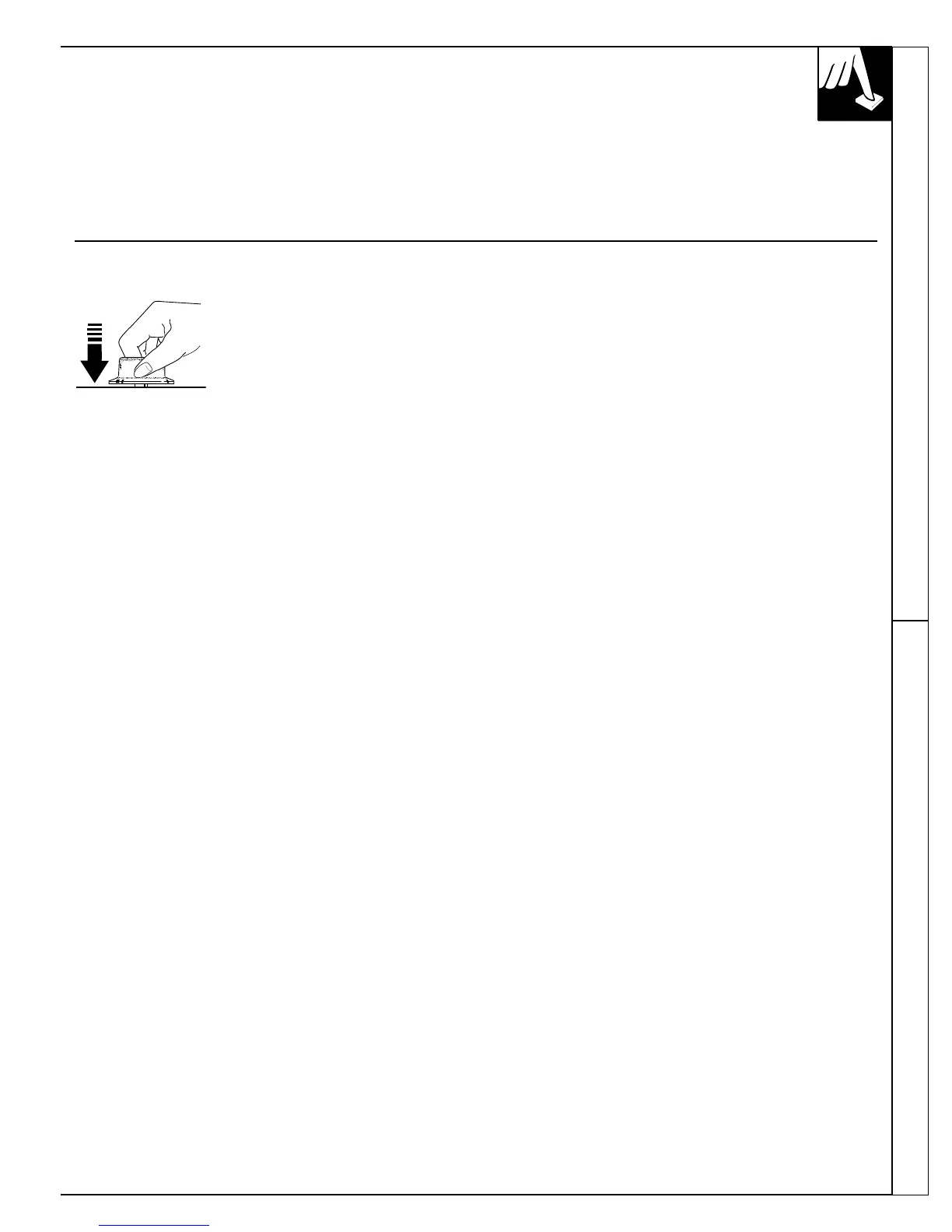
1. Grasp the control knob.
2. Turn the knob to the desired heat setting.
The control knob must be pushed in and turned
from the OFF position. When the control is in any
position other than OFF, it may be rotated without
pushing it in.
Be sure you turn the control knob to OFF when
you finish cooking.
The UNIT ON indicator light will glow when any
surface unit is on.
(continued next page)
CONTROL KNOBS
At both OFF and HI the control “clicks” into position.
In a quiet kitchen, you may hear slight “clicking”
sounds—an indication that the heat settings you
selected are being maintained.
Switching to higher heat settings always results
in a quicker heat change than switching to lower
settings.



 To Next Page