Need help?
Do you have a question about the GE PEB1590 and is the answer not in the manual?
Steps to prevent harmful exposure to microwave energy, including door operation and sealing surfaces.
Essential safety precautions for electrical appliance use, grounding, and installation.
Explanation of arcing, its causes like incorrect shelf placement, and metal contact.
Precautions for heating specific foods, including popcorn, eggs, and foods with skins.
Warnings and safety measures to prevent scalding from overheated liquids.
Criteria and tests for identifying microwave-safe cookware and materials.
Procedure and importance of proper grounding for electrical safety.
Guidelines for safely using extension cords with the microwave oven.
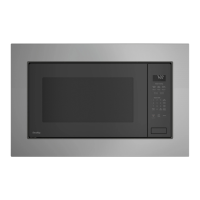
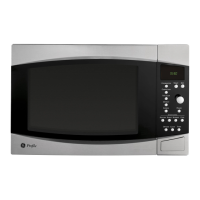
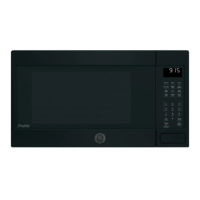
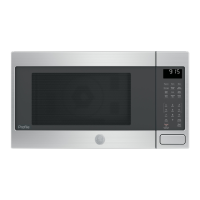
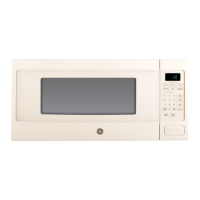
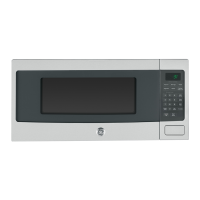
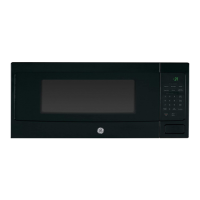
Identification and description of the oven's main parts like door latches, window, and control panel.
Information on optional kits for converting the oven to a built-in wall unit.
Instructions for using time cook, express cook, defrost, and power level settings.
Overview of sensor cooking modes like Popcorn, Reheat, Beverage, and Cook.
How to select and operate the convection cooking mode.
How to select and operate the combination microwave and convection mode.
Explanation of how microwave energy cooks food evenly and efficiently.
Explanation of how circulating hot air browns food and cooks faster.
Benefits of combining microwave and convection for speed and browning.
How to set cooking time, power levels, and multi-stage cooking.
Quick start cooking in 30-second increments with automatic power level.
Extending the current cooking time by 30-second intervals.
How to manually defrost food by setting time and power level.
Using auto defrost for meats, poultry, and fish based on food weight.
Recommendations for effective and safe defrosting practices.
Table to convert food weight in ounces to tenths of a pound for auto defrost.
Instructions for adjusting the power level before or during cooking.
Guidance on selecting appropriate power levels for various food types and cooking tasks.
How the sensor detects humidity to automatically adjust cooking time.
Guidelines for using the 'Cook' sensor mode for steaming foods.
List of foods suitable for optimal results with sensor cooking.
List of foods that require manual time cooking instead of sensor cooking.
Specific instructions for various food types like chicken, fish, and vegetables.
Advice on container selection, drying surfaces, and stirring food.
How to subtract or add time to the oven's automatic sensor cooking settings.
Instructions for using the automatic popcorn setting for snack or regular sizes.
How to use the sensor reheat feature for previously cooked foods or leftovers.
Using the sensor feature to heat beverages like coffee or tea.
Explanation of how convection cooking works to brown and cook food.
Steps for using convection cooking after the oven has been preheated.
Steps for using convection cooking when preheating is not required.
Benefits of combining microwave and convection for faster cooking and browning.
Steps for using combination cooking after the oven has been preheated.
Steps for using combination cooking when preheating is not required.
Recommended cookware materials for convection cooking, emphasizing metal pans.
Recommended cookware for combination cooking, advising against metal.
A table indicating suitability of cookware materials for microwave, convection, and combination modes.
A chart recommending the best, alternate, or not recommended cooking method for various foods.
Notification system indicating when the cooking cycle has finished.
Instructions for setting the clock and using the minute timer.
How to start, pause, stop, and cancel cooking operations.
Enabling and disabling the control panel lock to prevent accidental use.
How to adjust the audible alert volume from mute to loud.
Option to turn the clock display on or off.
Changing the speed at which text scrolls across the display.
Explanation of arcing (sparks) and its common causes in microwave ovens.
Methods for covering food to retain moisture and venting to allow steam escape.
Techniques for preventing over-browning and allowing food to finish cooking after microwaving.
Helpful tips for maintaining the cleanliness of the microwave oven interior.
Instructions for cleaning the inside walls, floor, window, and door parts.
Proper methods for washing the removable turntable and its support.
Guidelines for cleaning the case, control panel, door surface, and power cord.
Methods for cleaning stainless steel using mild detergents and avoiding abrasive materials.
Using stainless steel polishes to maintain appearance and shine.
Solutions for power surges, plug issues, and circuit breaker problems.
Troubleshooting for issues like unsecured doors or unpressed start buttons.
How to unlock the control panel when the 'CONTROL LOCKED' message appears.
Explanation of the 'CAUTION-OVEN HOT' message and sensor pad limitations.
Steam, light reflections, dimming lights, blower sound changes, and thumping sounds are normal.
Understanding and mitigating potential interference with radio or television signals.
Information on comprehensive appliance protection plans offered by GE.
How to reach GE for scheduling service or inquiries about protection plans.
Steps and importance of registering your appliance for safety and service.
Instructions for registering your product through the GE website.
Details on the one-year parts/labor and five-year magnetron tube warranties.
List of conditions and damages not covered by the GE warranty.
Information on limitations of implied warranties and consumer legal rights.
Accessing manuals, ordering parts, and scheduling service via the GE website.
How to book an appointment with a GE repair service technician.
Information on purchasing replacement parts and accessories directly from GE.
How to provide feedback or address concerns with GE Appliances.
 General
| Type | Countertop |
|---|---|
| Capacity | 1.5 cu. ft. |
| Control Type | Electronic |
| Turntable | Yes |
| Color | Black |
| Preset Programs | Yes |


 To Next Page