8
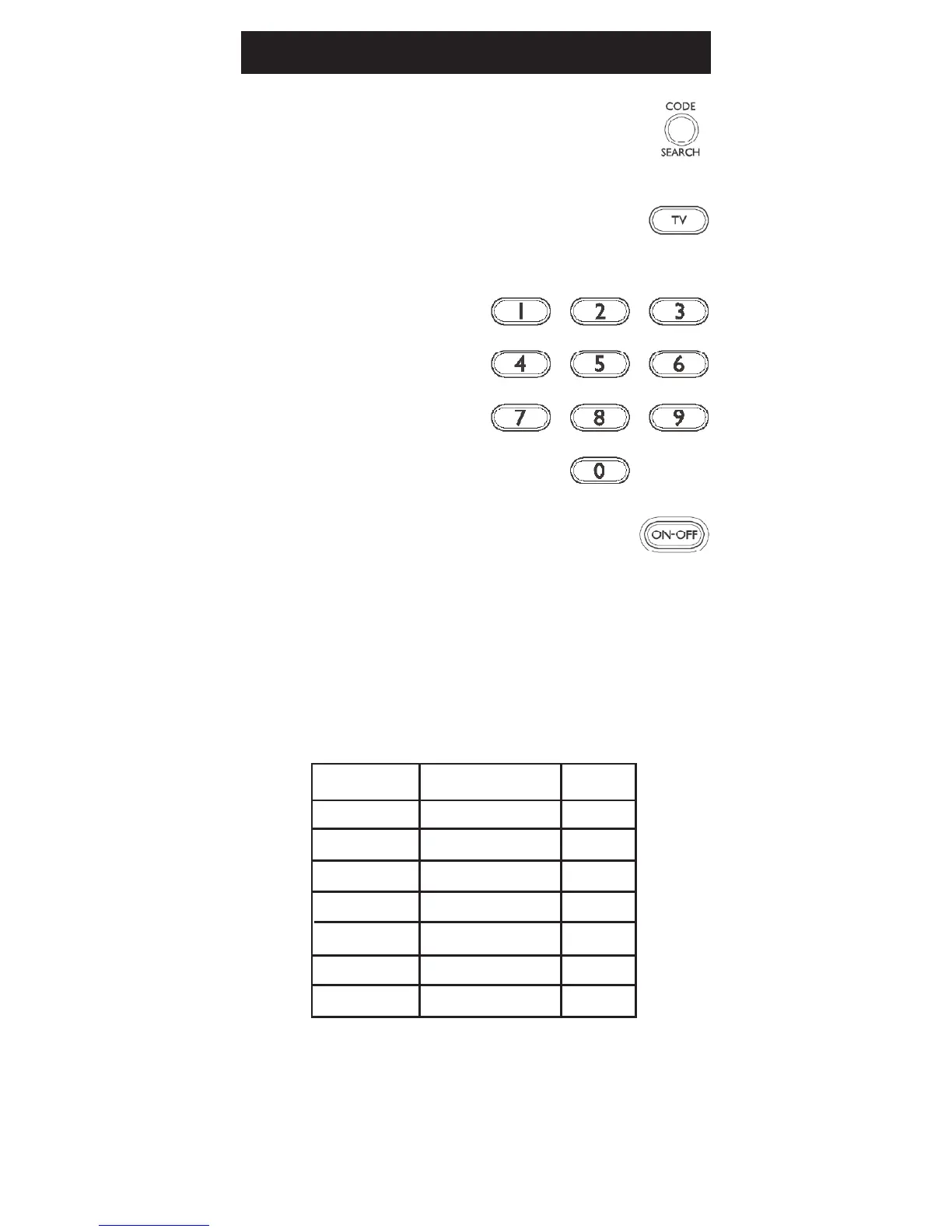
Direct Code Entry
Write your codes down here for easy reference
later.
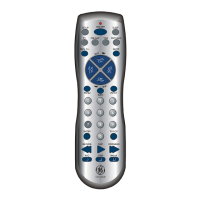
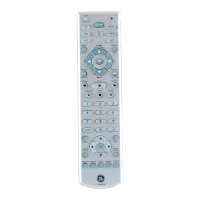
1. Press and hold the CODE SEARCH
button until the red indicator stays on,
then release the CODE SEARCH button.
2. Press and release the desired mode
button (TV, VCR, etc.). The red indicator
blinks, then stays lit.
3. Enter the 4 digit code
from the code tables
(on separate sheet).
Note: after a valid
code entry, the red
indicator turns off. For
an invalid code, the
redindicatorashes.
4. With your device on, press
ON•OFF.
If the device turns off, no further
programming is required. Note: If
some buttons do not operate your
equipment, try one of the other
codes for your brand.
Device Device stored Code
TV TV
DVD
VCR
CBL/SAT
AUDIO
AUX


 To Next Page