Need help?
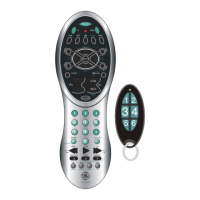
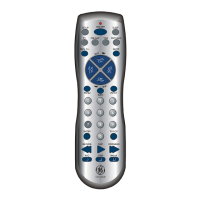
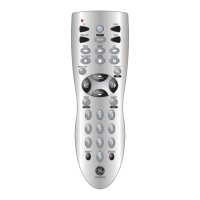
Do you have a question about the GE RM24948 and is the answer not in the manual?
Instructions for installing two AAA batteries into the remote.
Remote auto-turns off if buttons are depressed for over 30 seconds.
Retains programmed codes for up to 10 minutes during battery changes.
Guide to programming remote using code tables or code search.
Step-by-step guide to enter codes from a list using CH/V buttons.
Method to find codes when brand is not listed or doesn't respond.
Process to identify the 4-digit library code stored under a device button.
Techniques for controlling separate, combo devices, and punch-through functions.
How to set volume/mute to one mode or return to initial defaults.
Solutions for common remote operation issues like no response or partial function.
Instructions on how to record and find lost programmed codes.
Details of the product's ninety-day limited warranty from Jasco Products Company.
 General
| Brand | GE |
|---|---|
| Model | RM24948 |
| Category | Universal Remote |
| Language | English |

 To Next Page