EasyManua.ls Logo

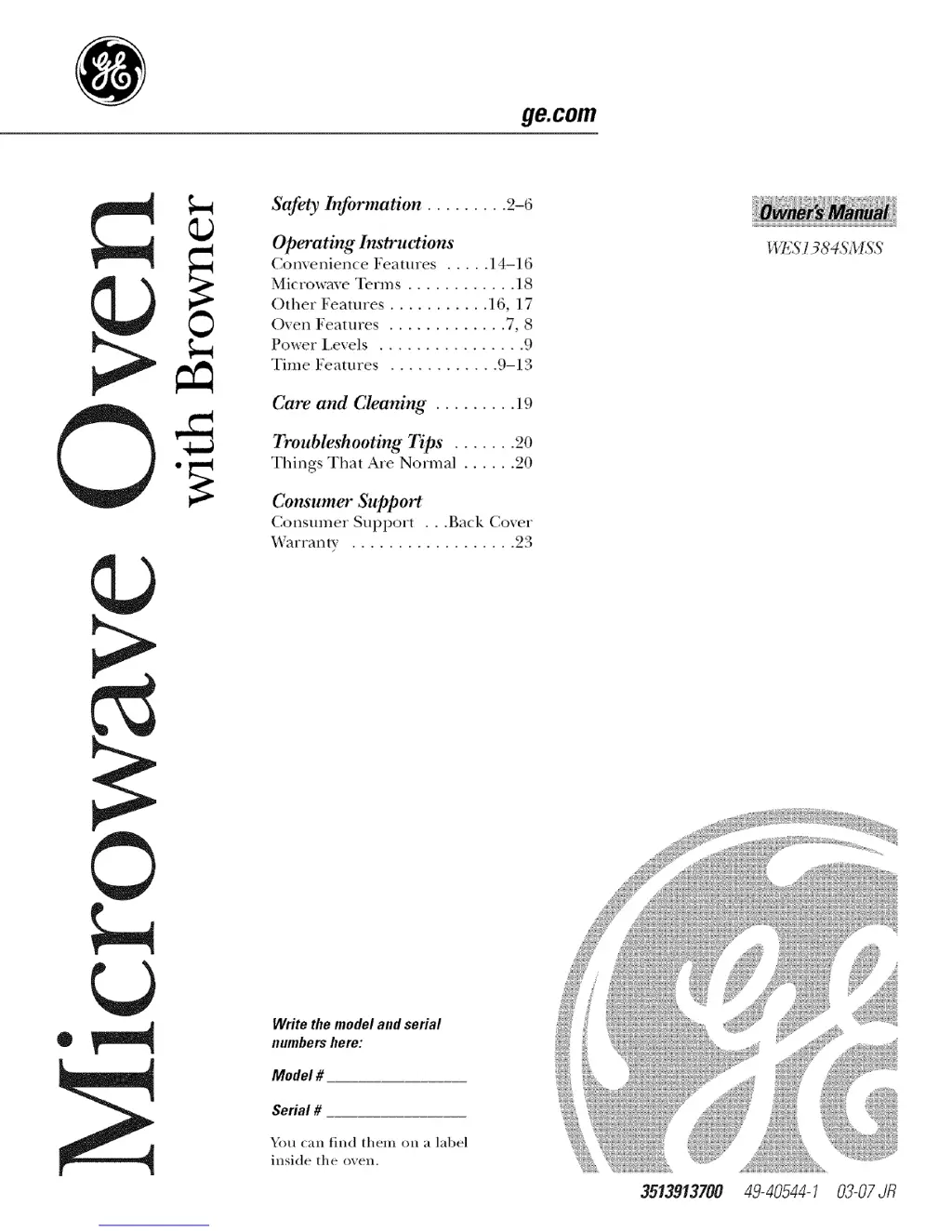
GE WES1384SMSS - User Manual

GE WES1384SMSS
24 pages
Print Icon
To Next Page IconTo Next Page
Loading...
ge.com
Safety Information ......... 2-6
Operating Instructions
Com'enience Features ..... 14-16
Microwave Terms ............ 18
()ther Features ........... ] 6, 17
Oven Features ............. 7, 8
Power Levels ................ 9
Time Features ............ 9-13
Care and Cleaning ......... 19
Troubleshooting Tips ....... 20
Things That Are Normal ...... 20
Consumer Support
Consumer Support . . .Back Coxer
Warranty .................. 93
WES 1384SMSS
®
©
Writethemodelandserial
numbershere:
Model #
Serial #
You can find them on a label
inside the oven.
3513913700 49-40544-1 03-07JR

Questions and Answers

  • J
    Janet JohnsonJul 30, 2025
    What to do if my GE WES1384SMSS will not start?
    • P
      Paula GarciaJul 31, 2025
      If your GE Microwave Oven isn't starting, there are several potential causes: * A fuse in your home may be blown, or the circuit breaker tripped. Replace the fuse or reset the circuit breaker. * A power surge might have occurred. Unplug the microwave oven, and then plug it back in. * The plug may not be fully inserted into the wall outlet. Ensure the 3-prong plug on the oven is fully inserted. * The door might not be securely closed. Open the door and close it securely.
  • C
    Charles FloydAug 10, 2025
    How to unlock GE WES1384SMSS controls?
    • J
      Joseph SanchezAug 11, 2025
      If the controls on your GE Microwave Oven aren't working, it's possible the control has been locked. To unlock it, press and hold PAUSE/CLEAR for about three seconds.
  • X
    xhardyAug 19, 2025
    Why GE WES1384SMSS Microwave Oven control panel is lighted, yet oven will not start?
    • D
      Danny MeyerAug 19, 2025
      If the control panel of your GE Microwave Oven is lighted but the oven won't start, consider these possibilities: * The door might not be securely closed. Open the door and close it securely. * You may not have pressed the START pad after making your cooking selection. Press START. * Another selection may already be entered in the oven, and you haven't pressed the PAUSE/CLEAR pad to cancel it. Press PAUSE/CLEAR. * You might have accidentally pressed PAUSE/CLEAR. Press START. * If you selected AUTO DEFROST, you may not have entered the food weight. Ensure you've entered the food weight after selecting AUTO DEFROST. * If you pressed AUTO COOK, you may not have entered a food type. Make sure you have entered a food type.

Summary

Safety Instructions

General Safety Instructions

READ ALL INSTRUCTIONS BEFORE USING. Follow basic safety precautions.

Microwave Energy Exposure Precautions

PRECAUTIONS TO AVOID POSSIBLE EXPOSURE TO EXCESSIVE MICROWAVE ENERGY

Arcing and Food Safety

Information on arcing causes, safe food handling, and potential hazards.

Grounding Instructions

Proper grounding procedures for electrical safety.

Electrical Connection Safety

Safety guidelines for adapter plugs and extension cords.

Operating Instructions

Care and Cleaning

Troubleshooting Tips

GE WES1384SMSS Specifications

General IconGeneral
TypeCountertop Microwave Oven
Capacity1.3 cu. ft.
Power Output1000 Watts
Control TypeElectronic
TurntableYes
Sensor CookingYes
ColorStainless Steel
Convection CookingNo
GrillNo
Pre-Programmed SettingsYes
Child LockYes
Display TypeDigital
Weight36.0 lbs
Door Handle TypePull

Related product manuals