Grasso
Refri
eration Division
GRASSO SYSTEM CONTROL
Chap. 1 - 14 638660E_chapter1.doc 01.2004/1
1.2.3.7 Unit options menu
35 Unit Options
Unit options
Sequence control
Act value: Jump to display of sequence control values
Parameter: Jump to sequence control parameters
Values Parameter
I I >>
Unit options
Economiser
Act value: Jump to display of economiser values.
Parameters: Jump to economiser solenoid control parameters.
Act val Parameter
<< I I
1.2.3.8 Configuration menu
50 Configuration
SW ..
OP MPI / ..
HW -..
SW: Display of the PLC program version used
OP: Display of the OP program version used
MPI: Display of the OP / PLC MPI-Addresses used
Configuration >> HW: Display of the hardware version used
Refrigerant
Comp type
<< Configuration 01 >>
Refrigerant: Select the refrigerant used -
(R717, R22, R134a, R404A, R507)
Comp type: Select the compressor type -
(RC6, Grasso10, RC12, RC12E, etc.)
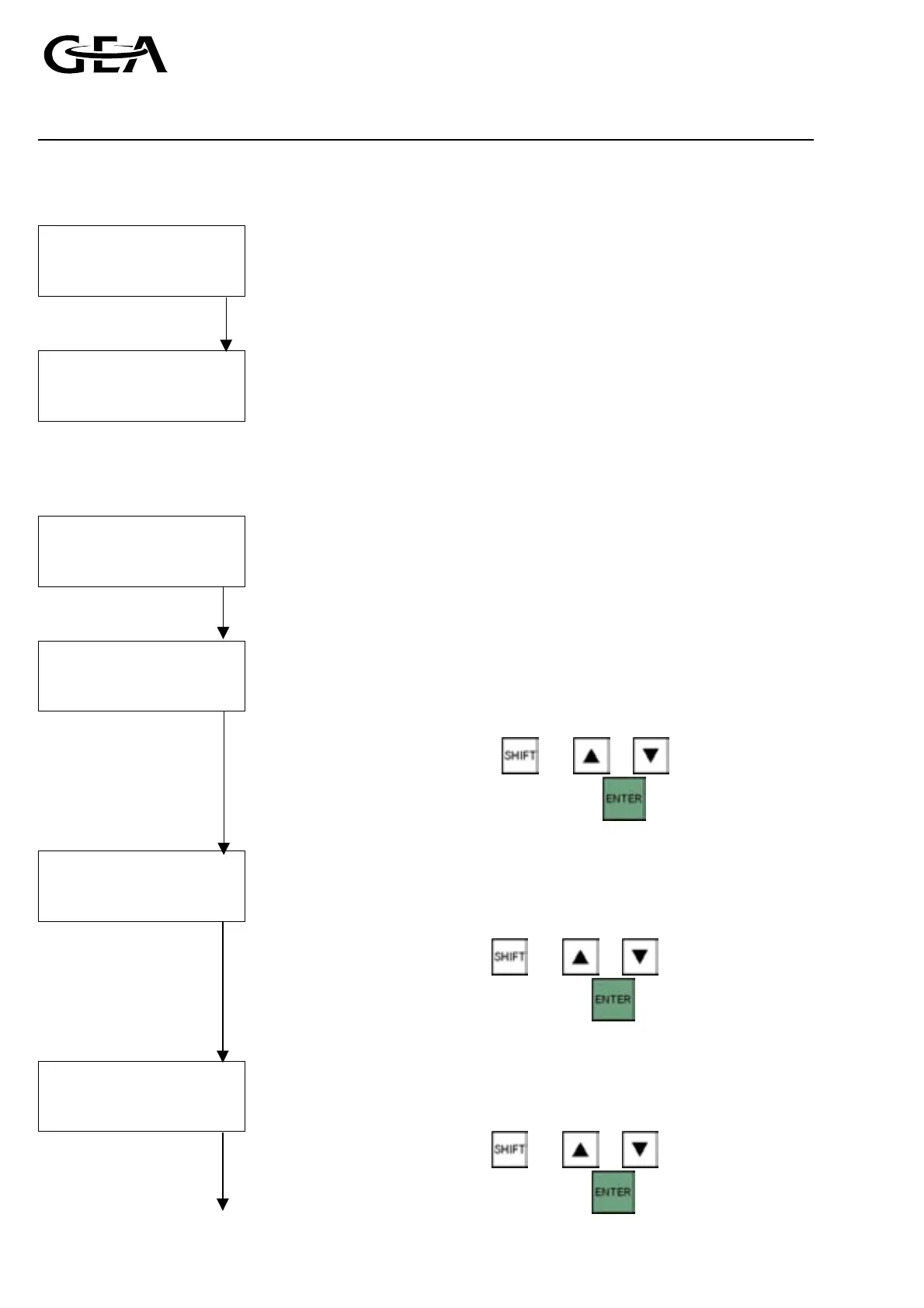
Select using and or
Confirm the selection with
LP cylinders
HP cylinders
Min capacity
LP cylinders: Enter the number of low pressure cylinders
HP cylinders: Enter the number of hich pressure cylinders (two-stage
only)
<< Configuration 01 >> Min capacity: Enter the minimum capacity allowed in %; (default 0 %)
Select using
and or
Confirm the selection with
Fast Pull Down
Booster
Fast Pull Down: Select “Yes” if FPD solenoid mounted (two-stage only),
otherwise “No”
Booster: Select “Yes” if booster compressor, otherwise “No”
<< Configuration >>
Select using and or .
Confirm the selection with



 To Next Page