Grasso
Refri
eration Division
GRASSO SYSTEM CONTROL
Chap. 1 - 16 638660E_chapter1.doc 01.2004/1
Sensor:
Begin (4mA)
End (20mA)
Sensor: Select the sensor type e.g. “suction pressure”, “discharge
pressure”, etc.
Begin (4mA): Start of measuring range of the sensor selected, e.g. 0 bar
<< Configuration 01 >>
for temperature only
Sensor:
Offset (K)
Spann (%)
<< Configuration 01 >>
End (20mA): End of measuring range of the sensor selected, e.g. 21 bar
Offset
(K): Offset of the sensor selected, e.g. 0 K
Spann (%): Spann of the sensor selected, e.g. 0 %
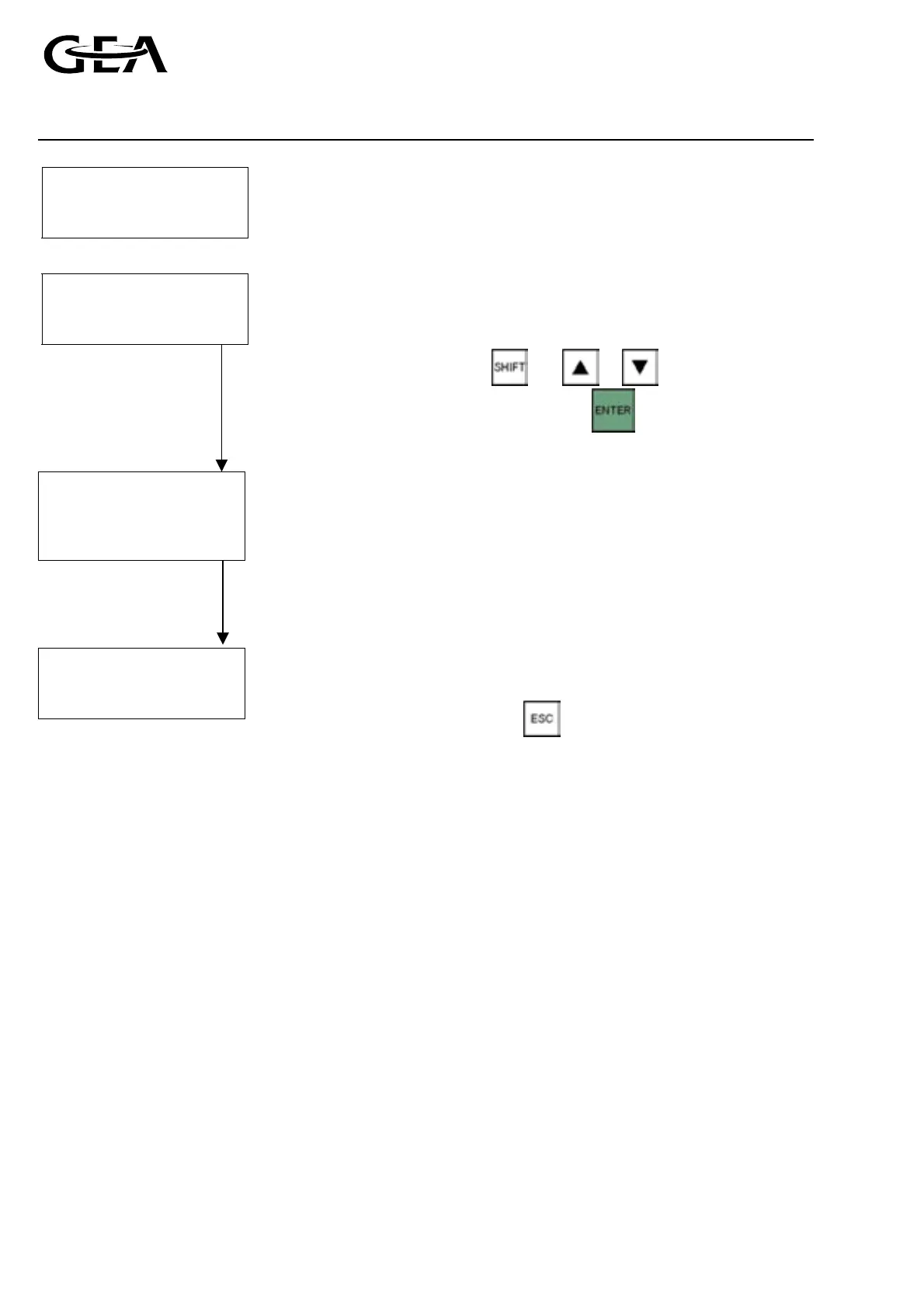
Select using
and or .
Confirm the selection with .
Configuration
Accept Save
Accept: Store the set configuration in the main memory (The
program works with the new values, but these are not yet
(ok) (ok) saved in the EPROM).
<< I I Save: Saves the set configuration in the EPROM.
Warning screen
during saving
process
Wait upto 2 minutes.
Do not switch off
power or press
buttons during save!
) For configuration settings to take effect you must choose both
accept and save before escaping from this menu.
) To undo all changes and exit the configuration menu without
accepting and saving press
.
) In case the configuration has been changed “?” will be shown for
“accept” and “save”. After executing “accept” and “save”, “ok” will
be shown as a sign that these actions were successfully executed.
) After changing the compressor type and/or refrigerant and
accepting the new configuration with “accept” certain limit values,
time values and control values are set to their default values.
Therefore, it is advised to check and if necessary adjust these values
before continuing with “save”.
) With “save” the PLC will go into STOP automatically and after 1 to 2
minutes it goes back into RUN again. Therefore, this procedure can
be performed when the PLC is in RUN only (see 4.3.). Otherwise the
following system message is displayed: “$369 S7 command error
20”. During this time the GSC cannot respond to any action from
the operator.
) Before the PLC returns to RUN do not press buttons or switch off
power! Otherwise the information on the EPROM will be lost.



 To Next Page