6
INSTALLATION:
For All Operating Systems
1. Make sure you have successfully installed the Batteries into your Mouse, refer to the
Installing Batteries section in this manual if necessary.
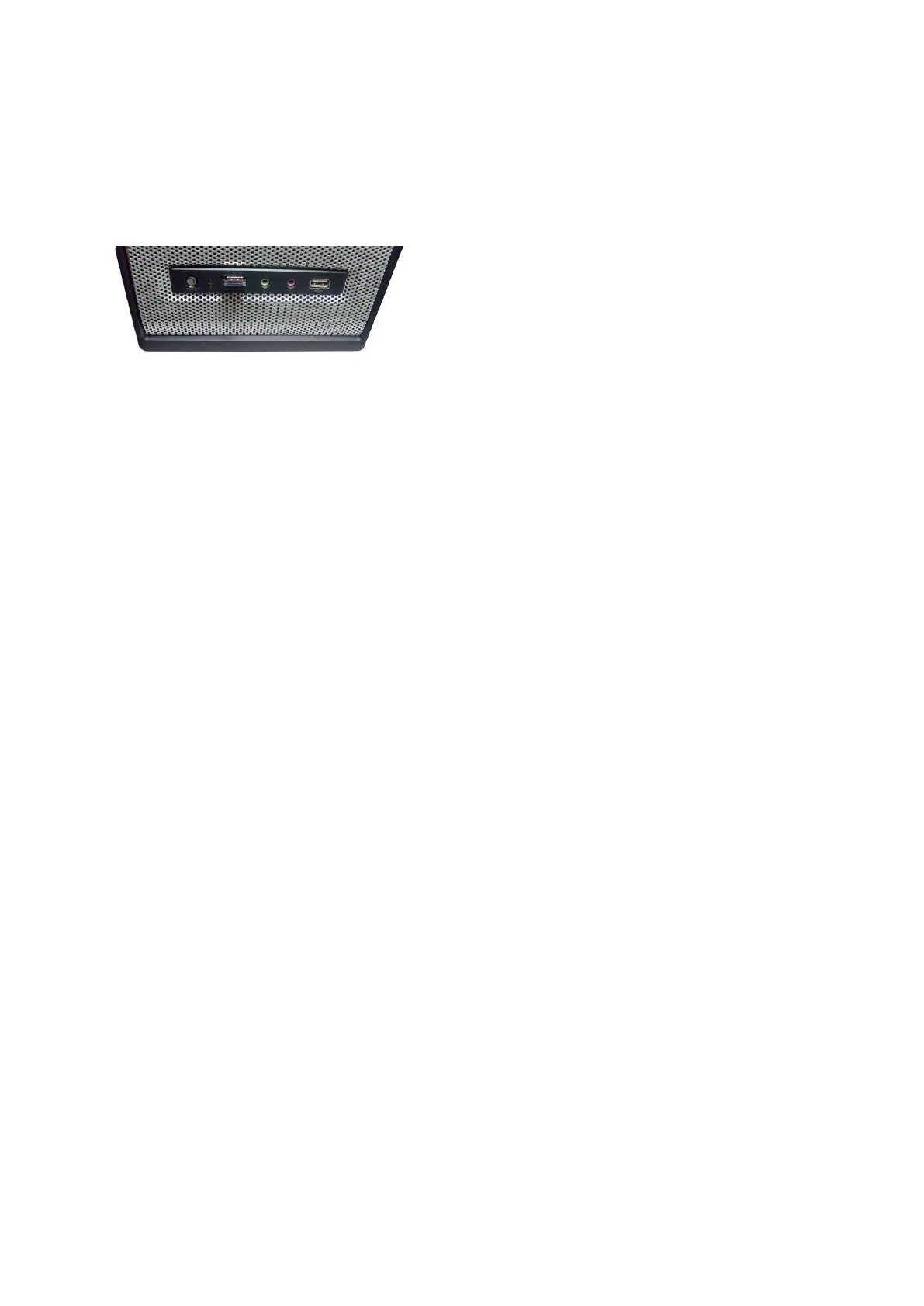
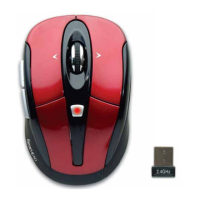
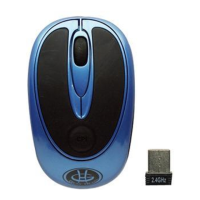
2. Turn on your computer, plug the enclosed Nano Receiver into an available USB port on
your computer. (TIP: If you are not able to find an available USB port on your computer,
please refer to the user’s manual of your computer for more detail.
3. Your wireless optical mouse is now ready to be used.


 To Next Page