EN
Item
no.
Designation Function/description
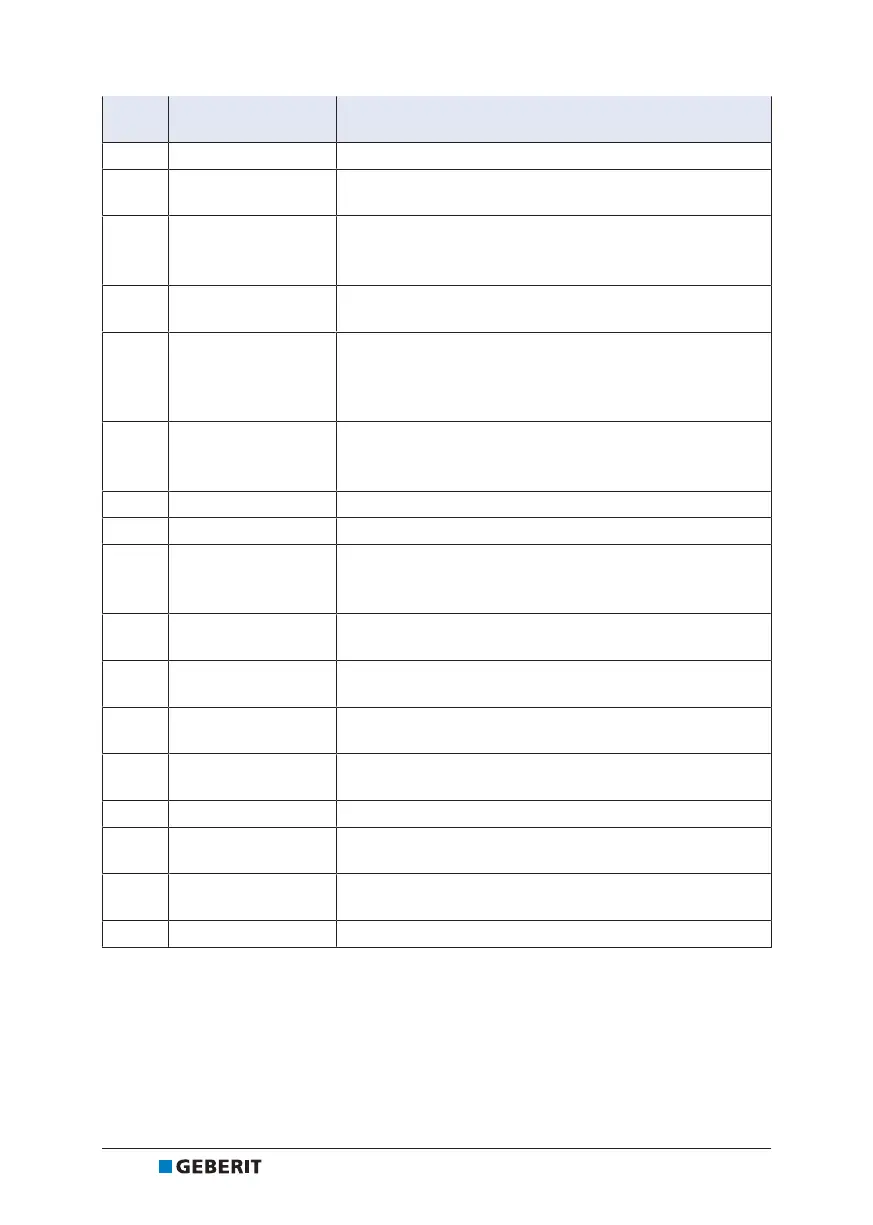
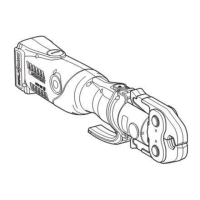
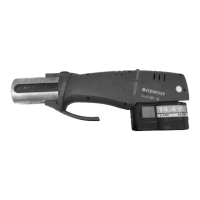
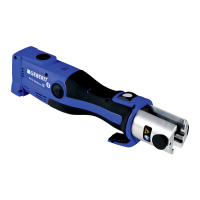
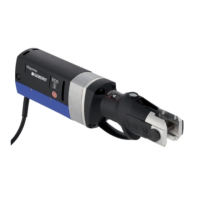
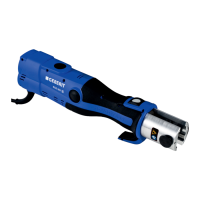
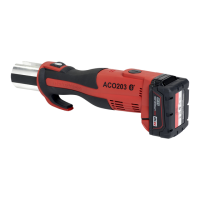
1 Pressing tool –
2 Red LED
Lights up or flashes: malfunction → See "Rectifying
malfunctions", page32
3 Green LED
• Lights up: tool is ready for operation.
• Flashes: malfunction → "Rectifying malfunctions",
page32
4 Blue LED
Lights up: radio communication active (ACO 203plus
pressing tool only).
5 Start button
• Briefly press the button: activates the tool from idle state.
• Long press (> 2sec.): starts the pressing procedure and
activates the pressing point light; the press connection is
established automatically.
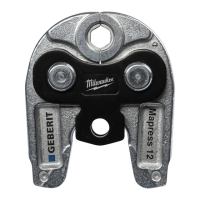
6 Pressing attachment
• The pressing jaw or pressing collar with adapter jaw
corresponds to the diameter of the pressfitting.
• Pressing attachment with warning note sticker.
7 White LEDs Two LEDs for pressing point light.
8 Retaining pin Holds the pressing attachment in place
9 Warning note sticker
• Warning sign: hazard from flying fragments.
• Safety note: read the operating instructions before
commissioning and using the tool.
10 Roller drive
Transfers the pressing force from the pressing tool to the
pressing attachment.
11 Release button
Press and hold: interrupts the pressing procedure; roller
drive returns to its starting position.
12
Radio interface
symbol
Bluetooth®
1)
radio interface (ACO 203plus pressing tool
only).
13 Compatibility mark
Pressing attachments that carry this symbol are compatible
with the pressing tool.
14 Charge level indicator Shows the capacity of the rechargeable battery.
15 Release button
Push in both release buttons: rechargeable battery can be
pulled out.
16 Rechargeable battery
Only use Geberit lithium-ion batteries of type
Milwaukee18V.
17 Specification plate –
1)
The Bluetooth® brand and its logos are the property of Bluetooth SIG, Inc. and are used
under license by Geberit.
26
45035998168595595-1 © 02-2019
968.361.00.0(01)


 To Next Page