EN
Error Cause Action
The pressing tool stops
and no LED lights up.
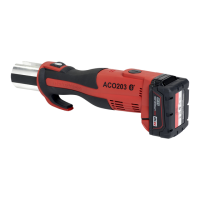
Rechargeable battery
is defective.
▶ Release start button.
▶ Press and hold release button: roller
drive moves to its starting position.
▶ Check the pressfitting for tightness
and repeat the pressing operation if
necessary.
▶ Replace the rechargeable battery
with a Geberit lithium-ion battery of
type Milwaukee18V.
▶ Have the defective rechargeable
battery tested by an authorised repair
shop.
Red and green LEDs flash
alternately.
Maintenance interval
has been reached.
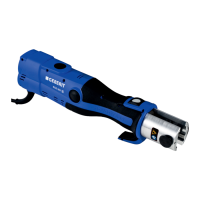
▶ Have the pressing tool inspected by
an authorised repair shop.
Maintenance
Maintenance regulations
Interval Maintenance work
Regularly (before use, at the
start of the working day)
▶ Inspect the pressing tool, rechargeable battery and battery
charger for externally visible defects and damage that
could affect safety.
▶ Clean and lubricate the pressing tool.
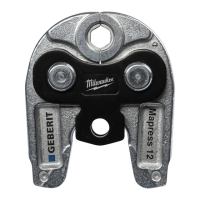
▶ Clean pressing attachments and check for defects, partic-
ularly for incipient cracks.
▶ Lubricate the pressing attachments. → See user manual
for the pressing attachments in question.
Every six months
▶ Have the battery charger inspected for safety-related
defects or damage by an authorised repair shop.
However, this metrological measurement does not replace
any country-specific regulations and legislation that might
prescribe further checks and maintenance work.
After two years at the most
as per specifications on the
service sticker or when the
red and the green LEDs flash
alternately
▶ Have an authorised repair shop check the pressing force
and the state of wear.
45035998168595595-1 © 02-2019
968.361.00.0(01)
33


 To Next Page