Page 4 of 11
Modifying settings
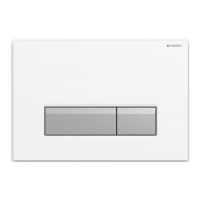
The settings for the odour extraction unit and the
orientation light can be modified with the
GeberitHome app. The status of the odour
neutralisation filter is also shown.
The GeberitHomeapp is available free of charge
for Android and iOS smartphones in the
respective App Store.
Android: iOS:
In order to operate the product with the
GeberitHome app, a one-time pairing process
must be carried out to establish a connection with
the app.
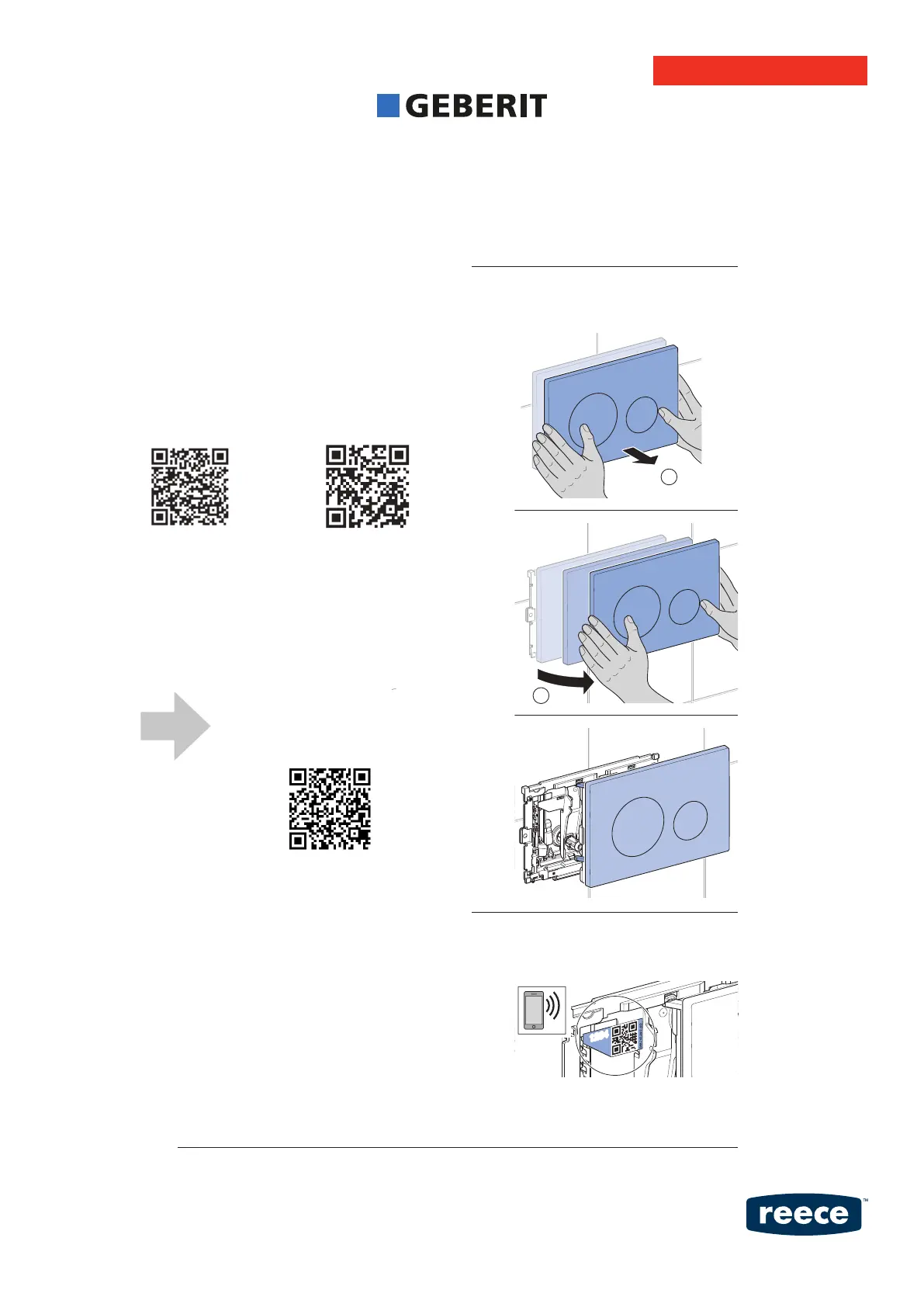
To do this, open the actuator plate and read the
QR code with the app.
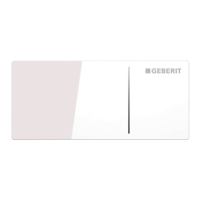
1 Gently pull the actuator plate
forwards (1) and swivel it to the right
(2).
2 Read the QR code with the app or
enter the printed four-digit number
(e.g. 1234).
For detailed Geberit Home
App operation, please scan
the QR code below:
User Manual


 To Next Page