30
Shaker
If you would like to be alerted to incoming phone calls by a vibrating shaker,
you can use an optional shaker.
Connect the shaker into the shaker socket located at the back of your
phone. When an incoming call is received, the shaker will be activated and
vibrate while the phone rings.
One of the shaker settings must be selected, using the 3 position switch
located on the right side of the phone.
(See Settings chapter)
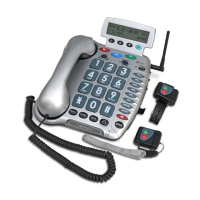
For these optionals accessories , consult the retailer ( see contact
details at the end of this manual)
OPTIONAL ACCESSORIES


 To Next Page