12
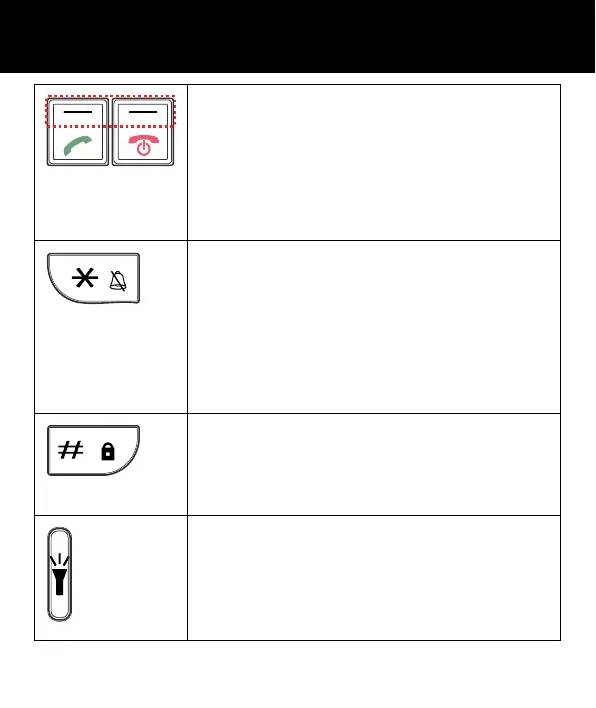
Left / Right key
•
These are soft keys: they take on
different functions depending on the
menu displayed. The current
function is always displayed by the
text above the key.
Asterisk key
• Press this key to insert one or more
symbols while composing a
message or editing a phonebook
entry name. Then use the navigation
keys to move to the symbols you
want to insert.
Hash Key
•
Press to switch between different
input modes while composing a text
messa
e or editin
a contact name.
Torch Key
• In standby, press and hold for a few
seconds and the torch will shine
steadily. Press once more to turn it
off.
DESCRIPTION



 To Next Page