11
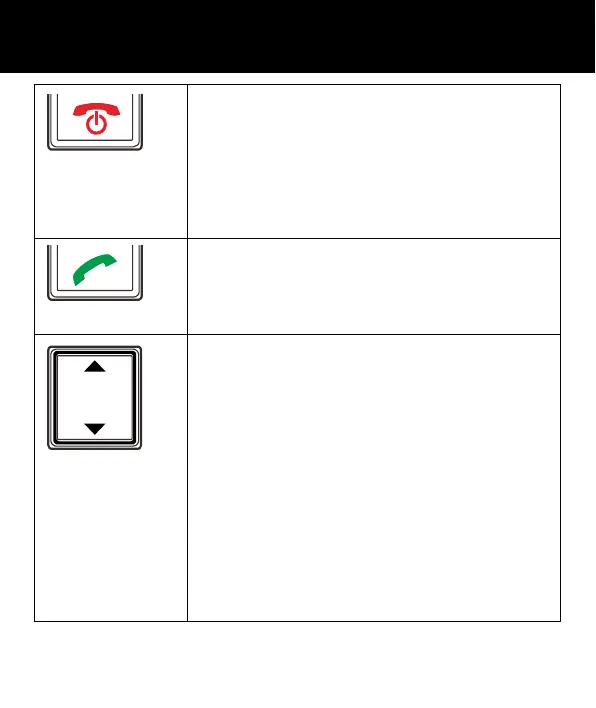
Power key/On-hook key
• Long press to power the telephone
on and off
• End a call
• Cancel current process and return to
standby
Call Key
• Make a call after dialling the number
• Receive a call
Navigation Button
Up Key
• Scroll up through lists and menu
options.
• This is a dedicated key in Standby. It
can be set up in Handset Settings or
Camera function in standby mode
Down Key
• Scroll down through lists and menu
options.
• This is a dedicated key in Standby. It
can be set up in Handset Settin
s
DESCRIPTION



 To Next Page