22
You can insert 2 SIM cards into this telephone. There
are many reasons to do this, however, one important
reason is that if you use two SIMS from different
providers you will probably get better network
coverage. However, just using one will be fine too!
Observe the battery contacts (the gold coloured
contacts must face towards the top left).and insert the
battery.
Place the battery cover into position and press down
lightly.
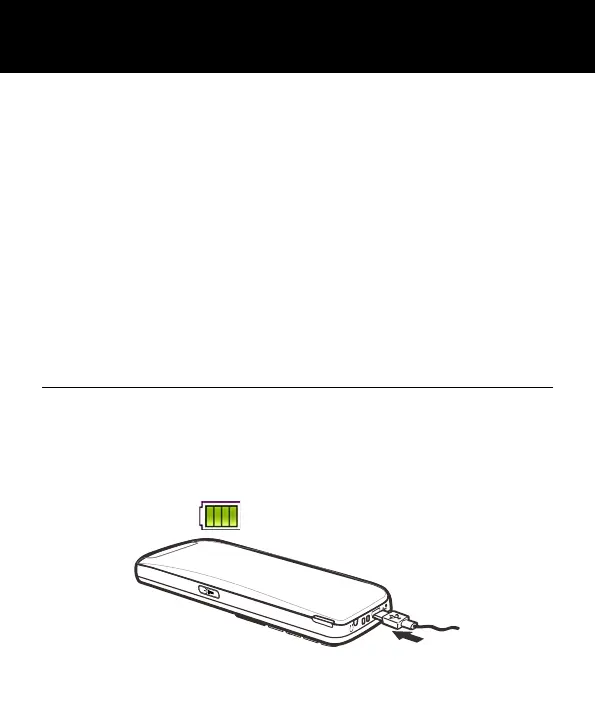
Charging the Battery
Charging via the Mini USB Port
Plug the charger into a wall socket.
Connect the lead from the charger into the Micro USB
port on the bottom of the telephone. During charging,
the battery icon starts to fill.
SETTING UP



 To Next Page