27
To place an international call you need to press +
before the country code. Simply, press
*
key twice.
Some foreign telephone networks have extension
lines that cannot be dialled as dial-through, but need
to be entered by the keypad. To dial these directly,
press
*
quickly three times in a row after the telephone
number. The p character will appear and then you can
enter the extension.
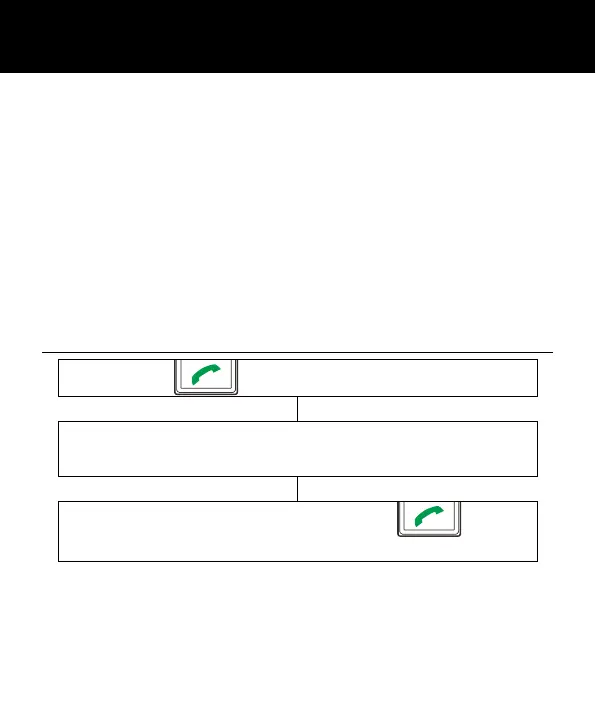
Making a Call from the Call Record
Press to display the “All calls” list
Use
▼
or
▲
to scroll through the list and find the
desired number
Highlight the desired number. Press again,
the number is automatically dialled
USING THE TELEPHONE



 To Next Page