16
FRONT PANEL
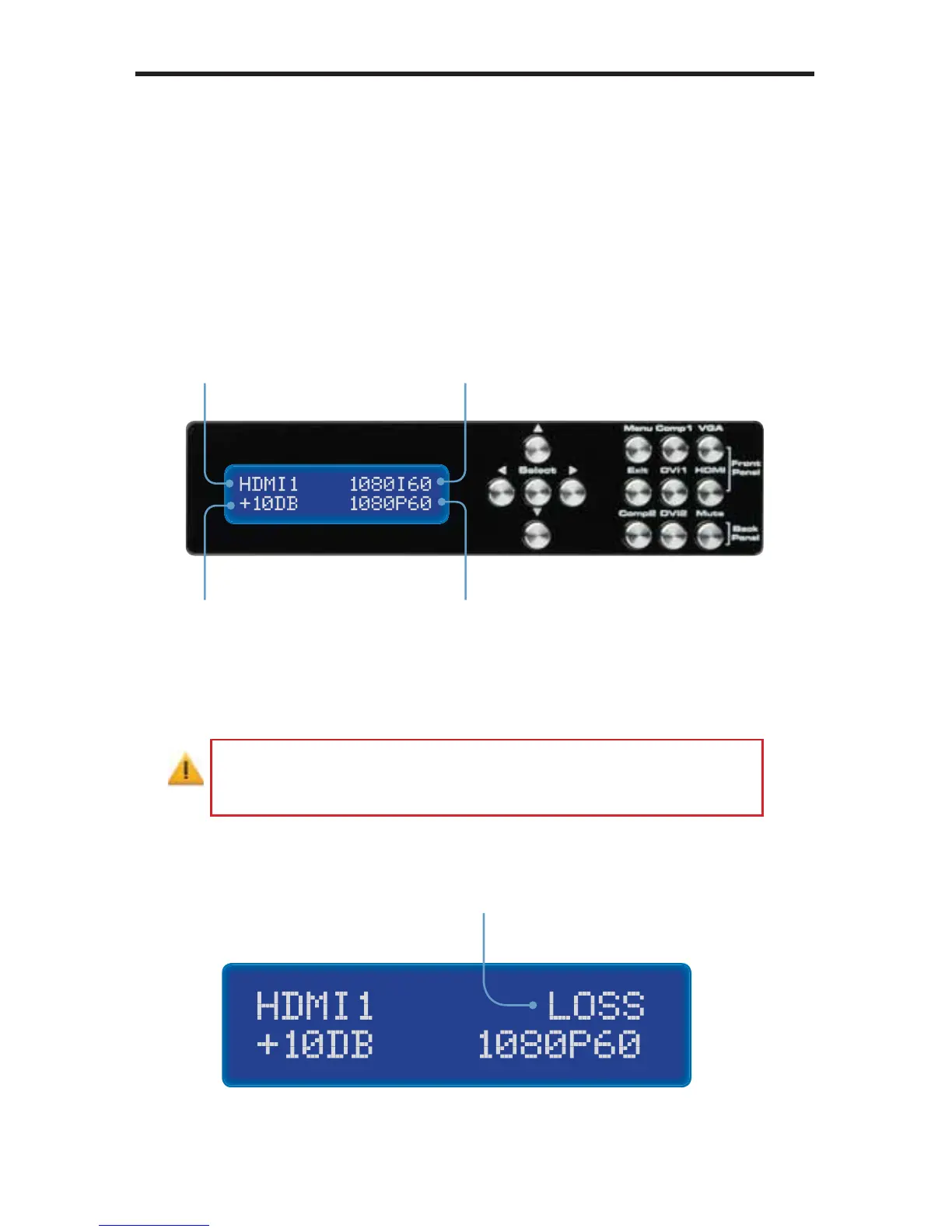
Status Screen
The Status Screen displays information regarding the current settings of the
Audio Processor. The Status Screen is also used in conjunction with navigating
the built-in Menu System.
After powering on the Audio Amplifi er, the Standby Screen will be displayed:
If no video source is connected to the Conference Room Processor
or if a loss of video signal occurs, then “Loss” will be displayed as
the input resolution on the Status Screen.
A/V Input
Displays the selected
A/V input
Input Resolution
Displays the input
video resolution
Output Resolution
Displays the output
video resolution
Audio Gain
Displays the
audio gain (volume)
Indicates that a lost of
the input video signal has
occurred.



 To Next Page