18
FRONT PANEL
Firmware Version
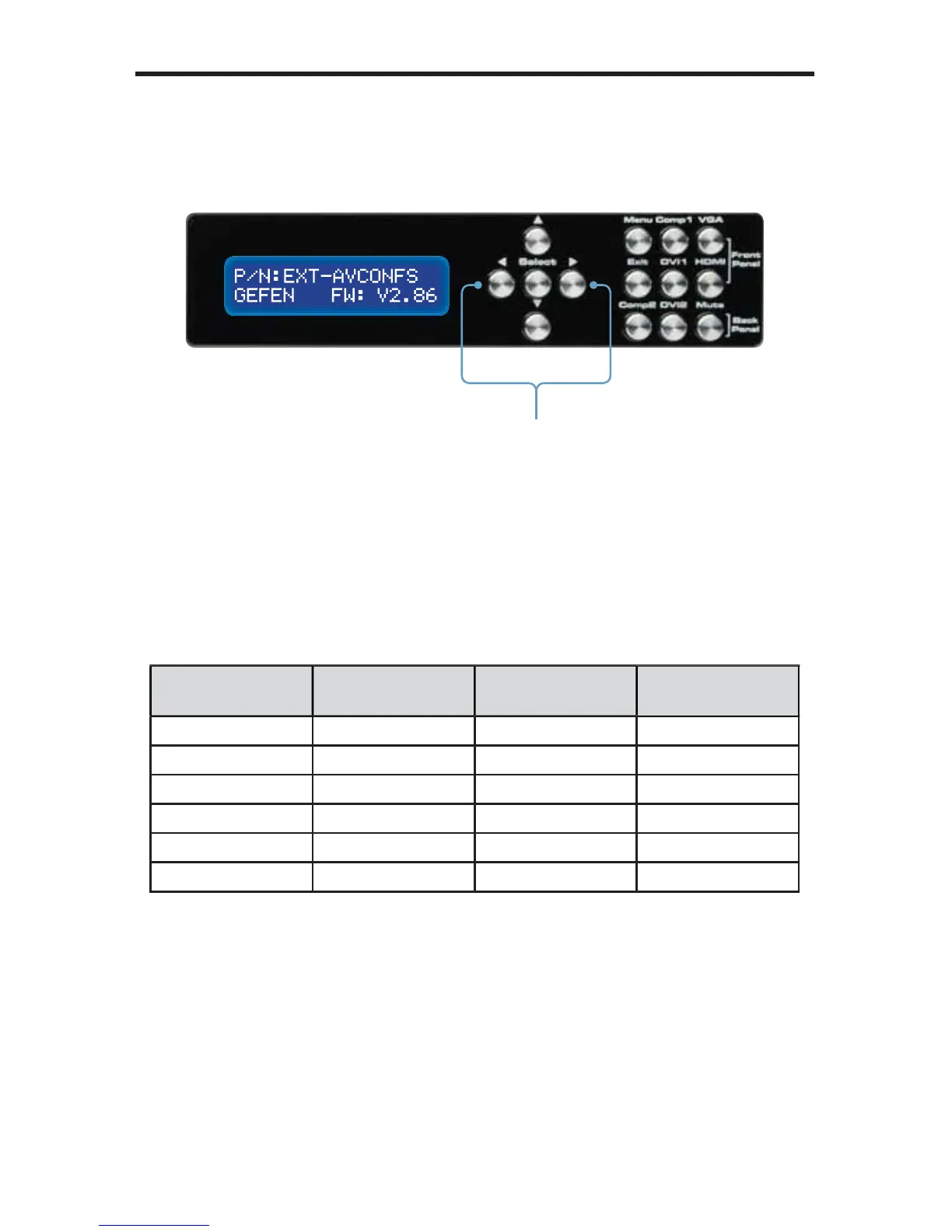
To display the fi rmware version of the A/V Conference Room Processor, press
either the ◄ or ► buttons on the front panel:
Selecting the Input Source
Use the buttons on the front panel to select the input source.
Front Panel
Button
Input Location
LCD Display
Name
COMP1 Component Front Panel Comp1
VGA VGA Front Panel PC
DVI1 DVI-I Front Panel DVI1
HDMI HDMI Front Panel HDMI
COMP2 Component Back Panel Comp2
DVI2 DVI-I Back Panel DVI2
Pressing the ◄ or ► will cycle between
the Firmware Version screen and the
information on the Status Screen.



 To Next Page