EasyManua.ls Logo

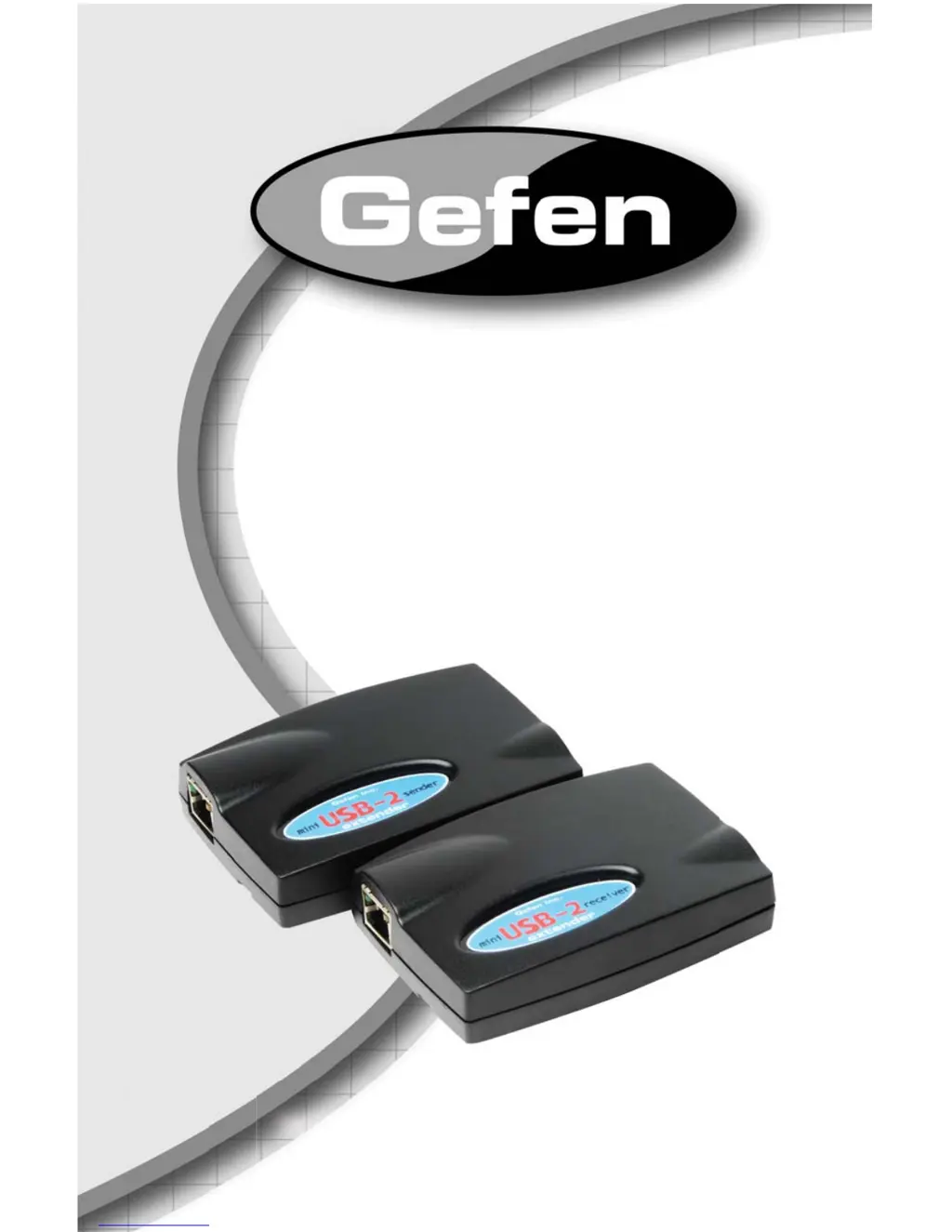
Gefen EXT-USB-MINI2 - User Manual

Gefen EXT-USB-MINI2
17 pages
Print Icon
To Next Page IconTo Next Page
Loading...
www.gefen.com
®
Mini USB-2
Extender
EXT-USB-MINI2
USER’S MANUAL

Questions and Answers

  • E
    eharrisAug 18, 2025
    Why is the Link LED off on my Gefen EXT-USB-MINI2 Extender Sender unit?
    • N
      Nicholas WatsonAug 18, 2025
      If the Host LED is on but the Link LED is off on your Gefen Extender's Sender unit, it indicates there's no connection between the Sender and Receiver units. To resolve this: 1. Ensure a Category 5 UTP cable with straight-through conductors is properly connected between the Sender and Receiver units. 2. Make sure Category 5 cables and connectors are used throughout the entire link. 3. Verify that Category 3 cable has not been substituted. 4. Ensure the cable length between the Sender and Receiver does not exceed 50 meters. 5. Try connecting a short Category 5 patch cord between the Sender and Receiver units to recheck the system's operation.
  • P
    pchapmanSep 1, 2025
    How to fix Gefen EXT-USB-MINI2 when all LEDs on the Sender are off?
    • J
      John CarpenterSep 2, 2025
      If all the LEDs on your Gefen Extender Sender unit are off, it means the unit isn't receiving power from the computer. To fix this: 1. Ensure the Sender unit is connected to a USB port on the computer. 2. Check that the computer is switched on and the operating system is running, and not in Sleep mode.
  • J
    Jason RomeroNov 10, 2025
    What to do if all LEDs are on but the Gefen EXT-USB-MINI2 device doesn't operate correctly?
    • A
      ashleyallenNov 10, 2025
      If all LEDs on both the Sender and Receiver of your Gefen Extender are illuminated, but the device isn't working correctly, there could be several reasons: * The USB device itself might be malfunctioning. * The computer might not be recognizing the USB device. * The extender could be malfunctioning. To troubleshoot: 1. Disconnect the Sender unit from the computer. 2. Connect the USB device directly to the USB port on the computer. 3. If the device still doesn't work, refer to its user documentation. 4. If it works when connected directly, try connecting another full-speed device to the Receiver unit, then connect the Sender unit back to the computer. 5. If the second device doesn't operate, the extender might be faulty. Contact Gefen technical support. 6. If the second devic...
  • R
    robertrichardsonNov 25, 2025
    What to do if the Device LED is off on the Gefen EXT-USB-MINI2 Extender Receiver unit?
    • C
      Christopher JohnsonNov 25, 2025
      If the Link and Host LEDs are on the Sender, and the Link LED is on but the Device LED is off on the Receiver of your Gefen Extender, follow these steps: 1. Check that the USB device is securely connected to the USB port on the Receiver unit. 2. Disconnect the Sender unit from the computer. 3. Connect the USB device directly to the USB port on the computer. 4. If the device does not operate properly, consult the user documentation for the device. 5. If the device operates properly when directly connected to the computer, connect another full speed device (of a different type) to the Receiver unit. Connect the Sender unit to the computer. 6. If the second device does not operate, the extender may be malfunctioning. Contact Gefen technical support for assistance. 7. If the second dev...

Summary

Introduction

Operation Notes

Features

Package Includes

Lists the items included in the product package.

Sender Panel Layout

Sender Panel Descriptions

USB Type B Input

Connector for the USB host device (computer).

RJ-45 Link Connector

Connector for CAT-5 cable linking sender and receiver units.

Receiver Panel Layout

Receiver Panel Descriptions

USB Type A Input

Connects USB peripherals to the receiver unit.

RJ-45 Link Connector

Connector for CAT-5 cable linking sender and receiver units.

Connecting and Operating the Mini USB-2 Extender

Network Cable Wiring Diagram

Troubleshooting

Specifications

Warranty

Gefen EXT-USB-MINI2 Specifications

General IconGeneral
TypeUSB Extender
CategoryExtender
USB StandardUSB 2.0
Power Supply5V DC
Local Unit Connectors1x RJ45 Female
Remote Unit Connectors1x RJ45 Female

Related product manuals