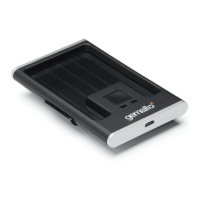
Prox–SU
Quick Installation Guide
www.gemalto.com
DOC118369C Page 3/4
Prox–SU operation table
Card Indicator Description
Off The card interface is deactivated
Slow Blink (0,2 s / 2 s) The card interface is ready
Blink (0,5 s / 1 s) The card is present and inactive (powered off)
On The card is present and active (powered on)
Flashing The card communication is in progress
Note: When no SIM/SAM card is inserted, the yellow indicator will always be
off.
Prox–SU SIM/SAM installation
The contact card is optional and can be inserted into the internal SIM/SAM
card connector located into the device:
Remove the four screws located on the bottom cabinet
Remove the bottom cabinet from the top cabinet
Insert the SIM/SAM card into the connector
Assemble the bottom cabinet with the top cabinet using the four
screws
For installation recommendation of the SIM/SAM card please refer to the
Prox–SU installation guide available in the Gemalto web site
http://support.gemalto.com
.
SAM/SIM internal
slot
4 screws location
SIM or SAM
card
SIM or SAM
card



 To Next Page