Need help?
Do you have a question about the Gemalto Prox–DU and is the answer not in the manual?
Explains how the device protects against damage from simultaneous interface use.
Specifies the operational temperature range for optimal performance.
Defines the acceptable temperature range for storing the device.
Details power requirements and lists EMC/Safety certifications.
Explains the USB 2.0 full speed compliant interface and its composite device nature.
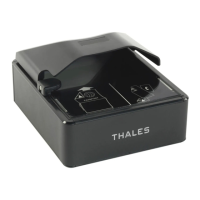
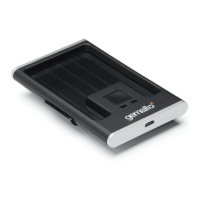
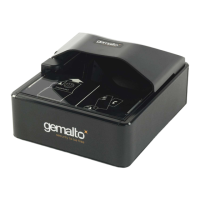
Describes the contactless interface and its landing zone with logo.
Lists supported contactless card types like MIFARE, ISO14443-A/B.
Describes the contact interface, including slot details for Prox-DU and Prox-SU.
Lists compliance with EMV, PC/SC, and ISO 7816 standards.
Explains the function of the two LEDs for visual indication.
Outlines the general process of plugging in and driver installation.
Details required drivers for various operating systems like Windows and Linux.
Details the steps for automatic driver installation without Windows Update.
Explains driver installation using the Windows Update service.
Guides on verifying driver installation via the Device Manager.
Explains how to verify if the reader detects contactless smart cards.
Details how to check the detection of contact smart cards.
Introduces the PC/SC specification for smart card interoperability.
Explains how the reader detects the insertion of a contactless card.
Details how the reader detects the removal of a contactless card.
Important note regarding mode switching between MIFARE and ISO14443-A4.
 General
| Host Interface | USB |
|---|---|
| Operating System | Windows, Linux, MacOS |
| Frequency | 13.56 MHz |
| Type | Contactless |
| Protocols | ISO 14443 A/B |
| Certifications | FCC, CE, RoHS |
| Technology | Contactless |
| Compliance | PC/SC |


 To Next Page