ARMED
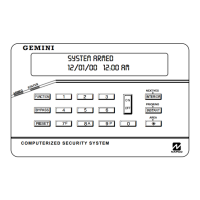
COMPUTERIZED SECURITY SYSTEM
STATUS
I
H
GEMINI
1 2 3 4 5 6 7
8
A 1 2 3
B 4 5 6
C 7 8 9 0
E
F
G
J
4
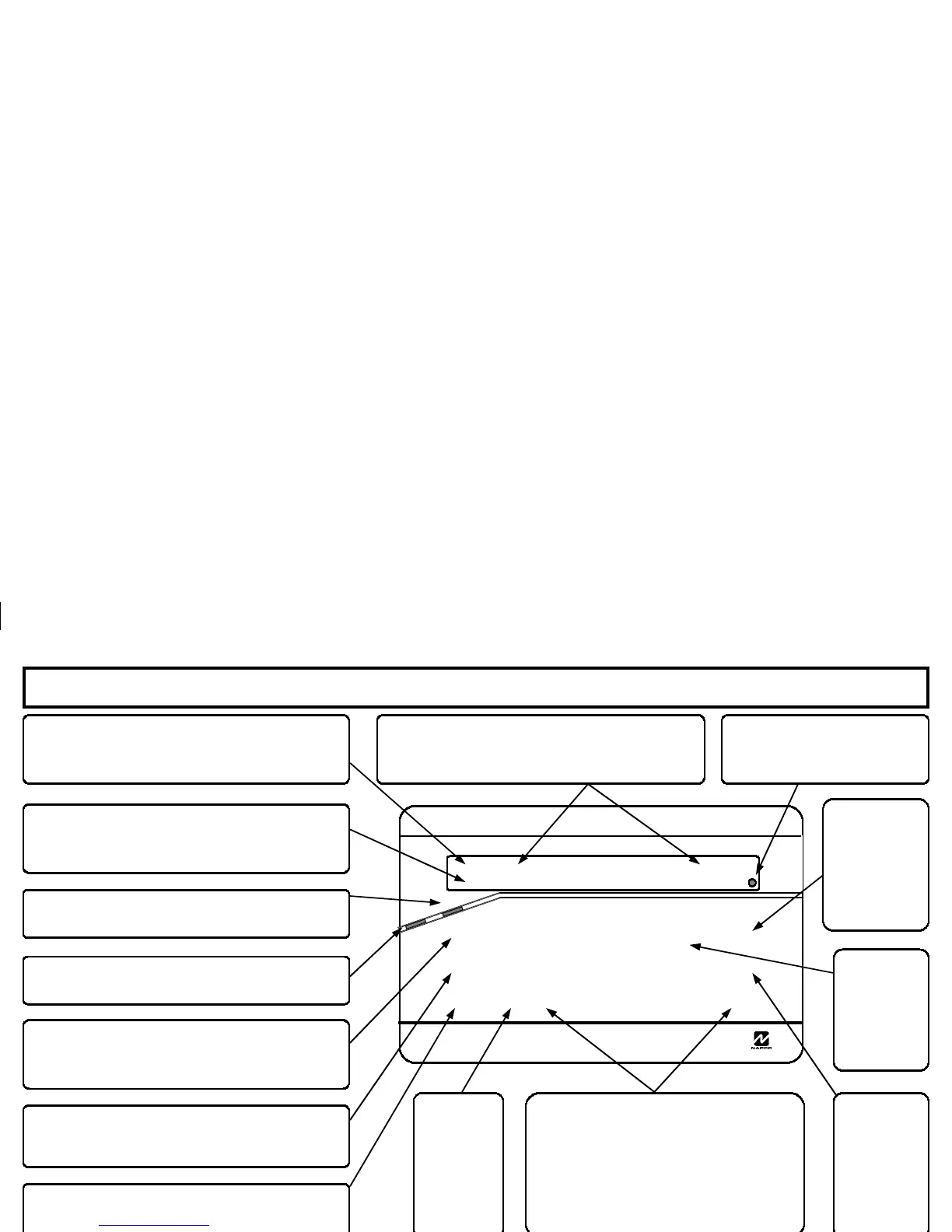
Status Light
will light when all zones are secure
and system is ready to be Armed.
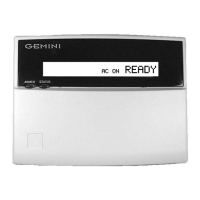
AC Light
will light to indicate
that AC Power is present.
Trouble Light
H
will light and the Keypad
sounder will pulse to indicate that a system
trouble is present.
(See System troubles, Page 12)
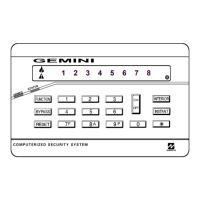
Zone Lights (
1 through 8)
will light to indicate
that the corresponding Zone is open, and will
flash to indicate a zone in alarm.
Armed Light
will light when system is Armed,
and will flash when system is in Alarm
Press
C
to reset Fire Zone, clear miss-
entered codes, reset Alarm Memory, etc.
Fire Alarm Light
I
will flash and the Keypad
sounder will beep when system is in a Fire Alarm
Condition (See Silencing a fire Alarm, Page 8)
Emergency
Keys Press simultaneously
to signal an emergency condition.
Press 7+G for Fire Emergency,
8+ G for Auxiliary Emergency or
9+G for Police Emergency.
(Programmable)
To Bypass a zone, press
B
and the zone
number to be bypassed, and then Arm system.
Press
A
followed by the corresponding
Function number to enable special functions and
options. (See Special Functions, Page 11)
Numerical
Keys 1-9, 0.
Used to
enter User
Codes, Zone
numbers,
etc.
Press
E
to bypass all
interior
protective
devices such
as motion
sensors, etc.
Press
F
to
remove entry
delay from
the Exit/
Entry door.
Press
D
after entering
User Code
when Arming
or Disarming
System.
KEYPAD CONTROLS & INDICATORS


 To Next Page