PG
7
Please refer back to these guidelines for safe and secure wire connections.
.
Take care not to damage the labels for each wire in handling.
.
Strip insulation 3/8 in. (9.5mm) from wire ends.
.
Connect labeled wires only to a terminal with corresponding letter.
.
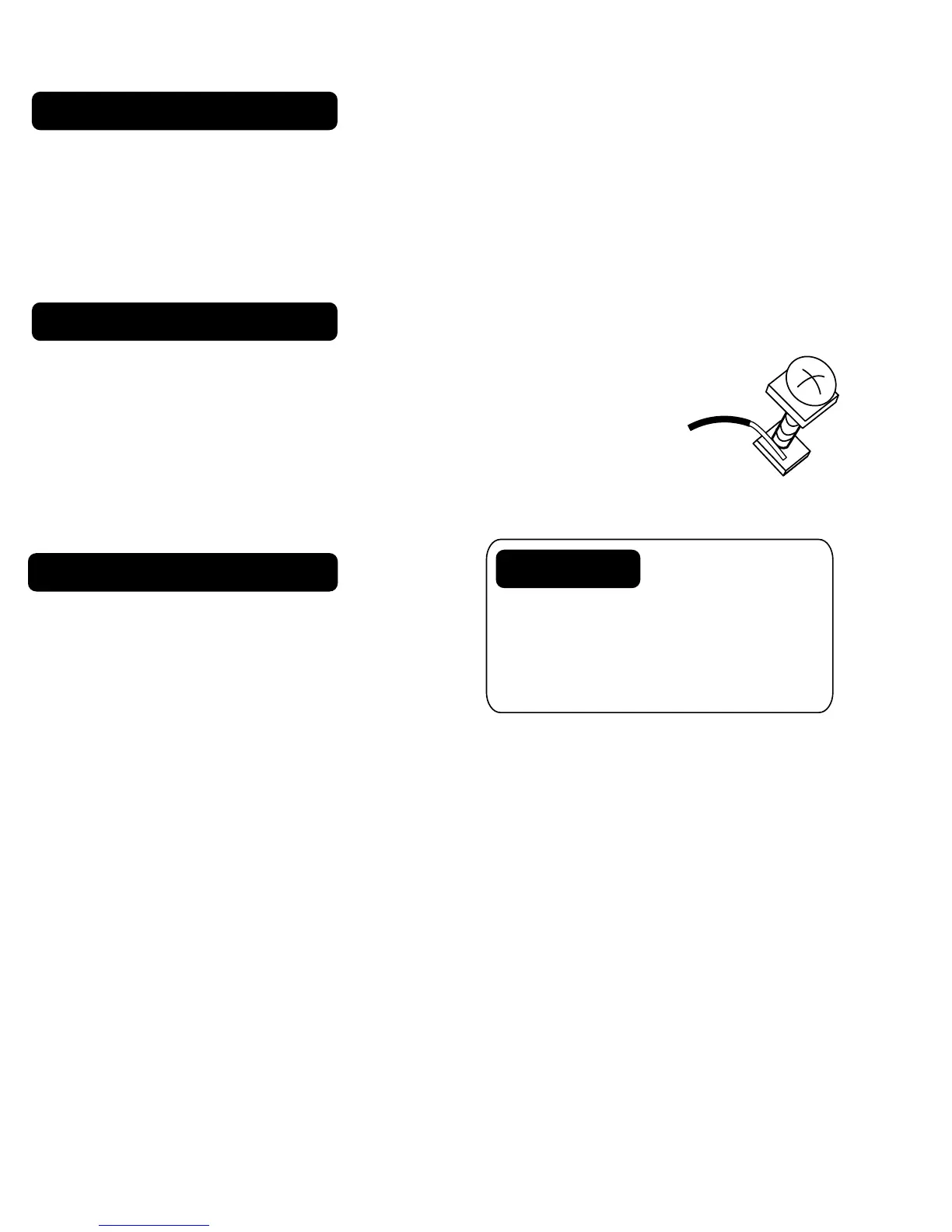
Bend the wire slightly, insert the wire under the contact plate and tighten
the screw down onto the wire.
The Wire chart shows wire labels used on
Gemtech thermostats. Please determine what
wires you have and select the correct wiring
diagram to "go to" on pages 9.
Before you Connect Wires
What Wires Do You Have?
8 Wire Connections
Make sure your wires are labeled. This is necessary to determine which step-by-step wiring
diagram you should use. This may require you to find the 'other end' connection for each wire on
your heating or air conditioning equipment and read the label there.
If you have a Zoned Heating/Cooling system with multiple thermostats, please refer to our website
at www.Gemtech-thermostats.com for installation notes.
Caution
Do not allow
wires to touch
each other or parts on unit.
Wires must be routed through
the hole in the back plate, below
the terminal block, or they will
hit parts on the cover.



 To Next Page