Operating Manual
About your new thermostat
469-2425EFS—03
ENGLISH
72
30
6
M32290
Set
Temporary
Lo
Batt
pm
Return
Cool
On
Hold
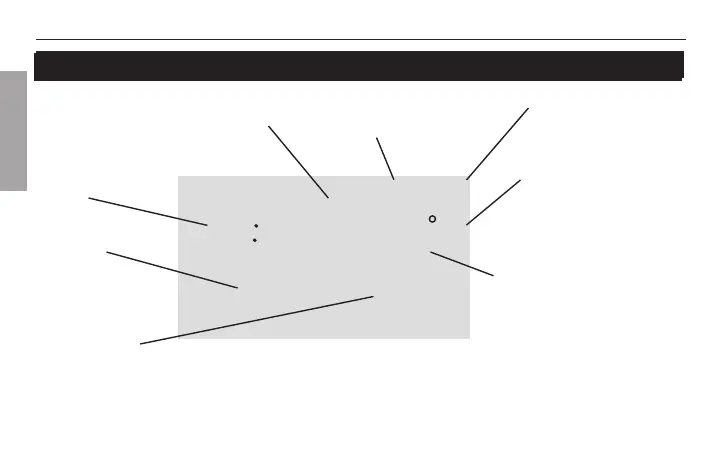
Quick reference to display screen
Low battery warning
(see page 14)
Temperature Setting Indicator
shown when the temperature setting
is displayed
System status
Cool On*: Cooling is on.
Heat On*: Heating is on.
Aux On: Auxiliary heat is on.
(GTP211D only.)
* When Heat On or Cool On
is flashing, Compressor
Protection is on (see page 13).
Inside Temperature
The room temperature is
normally displayed. To view
the temperature setting,
press the Up or Down button
once. The temperature
setting will appear for five
seconds.
Temporary Schedule
Override (see page 10)
Clock
Permanent schedule
override (see page 11)
Scheduled
period



 To Next Page