GTP110D / GTP211D
About your new thermostat
5
69-2425EFS—03
ENGLISH
00
12
am
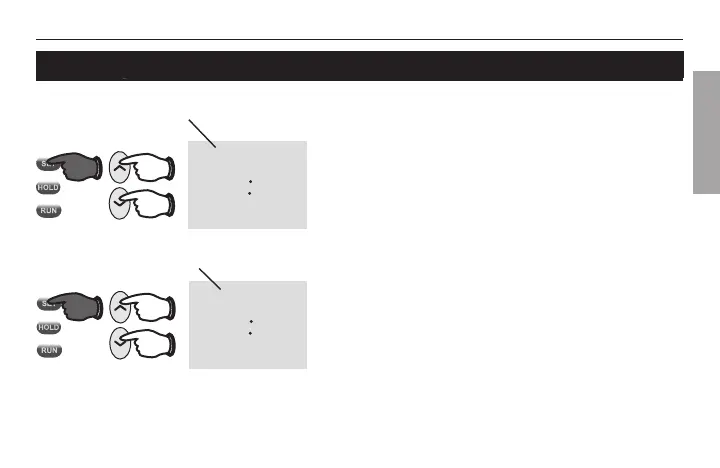
Set Time
Mo
M32287
00
12
am
Set Day
Mo
1. Press the SET button, then press s or t to
set the clock time.
2. Press the SET button, then press s or t to
select the day of the week.
3. Press RUN to save & exit.
Note: If the clock flashes 12:00am, the thermostat
will follow your settings for the weekday “Wake” time
period until you reset the time and day.
Set the time and day
Press SET, then adjust time.
Press SET, then select current day.



 To Next Page