EasyManua.ls Logo

Geneinno T1 - User Manual

Geneinno T1
13 pages
Print Icon
To Next Page IconTo Next Page
Loading...
Geneinno T1
USER MANUAL V1.1.0
2019.06

Questions and Answers

  • B
    Brandon JuarezAug 2, 2025
    What to do if Geneinno T1 Drones connected to WIFI hotspot can't show real-time video?
    • S
      Stephanie BoydAug 2, 2025
      If you are connected to the GENEINNO WIFI hotspot but cannot see the real-time video stream or control the drone, there are a couple of things to check. First, if the Geneinno T1 LED is flashing (3, 4, or 5 times), this indicates an internal malfunction, and you should contact after-sales customer service. If the LED light is not flashing, check if the battery is low and try again after charging. If it still doesn’t work after charging, contact after-sales customer service.
  • T
    Thomas ZavalaAug 18, 2025
    Why can't I find Geneinno T1 WIFI hotspot after cable connection?
    • D
      david17Aug 18, 2025
      If you cannot search for the GENEINNO WIFI hotspot after connecting the cable, ensure the cable connection is secure. Also, check the buoy battery indicator to ensure the buoy battery is not low.

Summary

User Guidance

Safety Instructions

Essential safety guidelines for drone operation in various environments and conditions.

Manual & App Download

Information on manual updates, and instructions for downloading the mobile application.

Product Features & Setup

Product Overview & Packing List

General description of drone features, capabilities, and included components.

Main Parts Identification

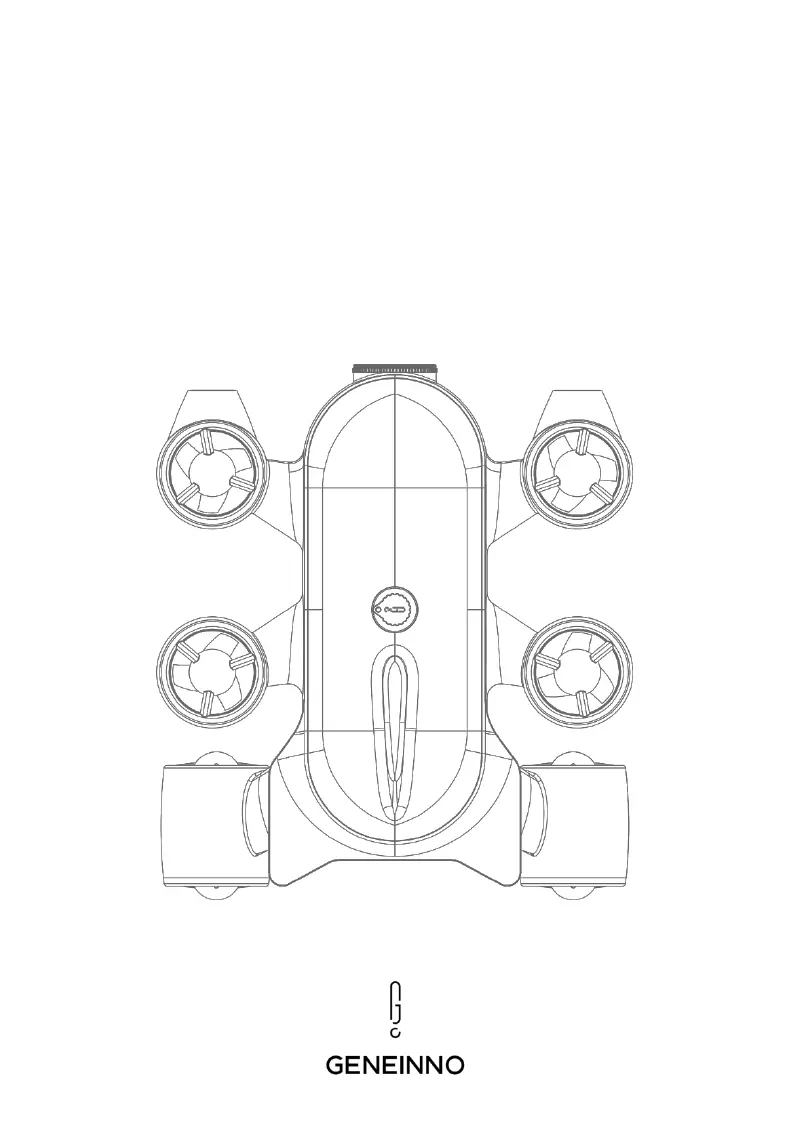
Visual identification of key components of the drone and wireless relay.

System Connection & Pairing

Steps to connect the drone, wireless relay, and control devices.

Controller & Charging Procedures

Instructions for pairing the Bluetooth controller and charging the drone and relay.

App Operation & Control

APP Interface & Navigation

Overview of main interface elements and app navigation for drone control.

Camera & Recording Settings

Configuration options for photo and video settings within the mobile application.

Operation Interface Controls

Detailed breakdown of controls and indicators in the app's operational view.

System Settings & Management

Access and configuration of various system settings, firmware, and storage.

Media Management & Export

Managing captured photos/videos and transferring them to a computer.

Troubleshooting

Common Issues & Solutions

Solutions for frequent problems like connection failures, video loss, and motor obstruction.

Appendices & Policies

Product Specifications

Detailed technical parameters and specifications of the Geneinno T1 drone.

Disclaimer & Warranty

Legal disclaimers, liability limitations, and product warranty information and service.

Geneinno T1 Specifications

General IconGeneral
BrandGeneinno
ModelT1
CategoryDrones
LanguageEnglish