SECTION 11: CRANKSHAFT AND CAMSHAFT
42
CAMSHAFT REMOVAL
REMOVAL OF CRANKCASE COVER:
Before attempting to remove the crankcase cover, remove
rust, burrs and paint from the power take-off (PTO) end of
the crankshaft. This will reduce the possibility of damaging
the oil seal in the crankcase cover during cover removal.
1.Drain oil from crankcase.
2. Remove engine cylinder head, push rods and push rod guide
plate. See Section 9.
3.Remove all bolts that retain the crankcase cover.
4.Remove the crankcase cover (Figure 11.1). If necessary, tap
lightly with a soft hammer on alternate sides of cover. Be
aware that the oil pump rotors may drop out as the
crankcase cover is removed.
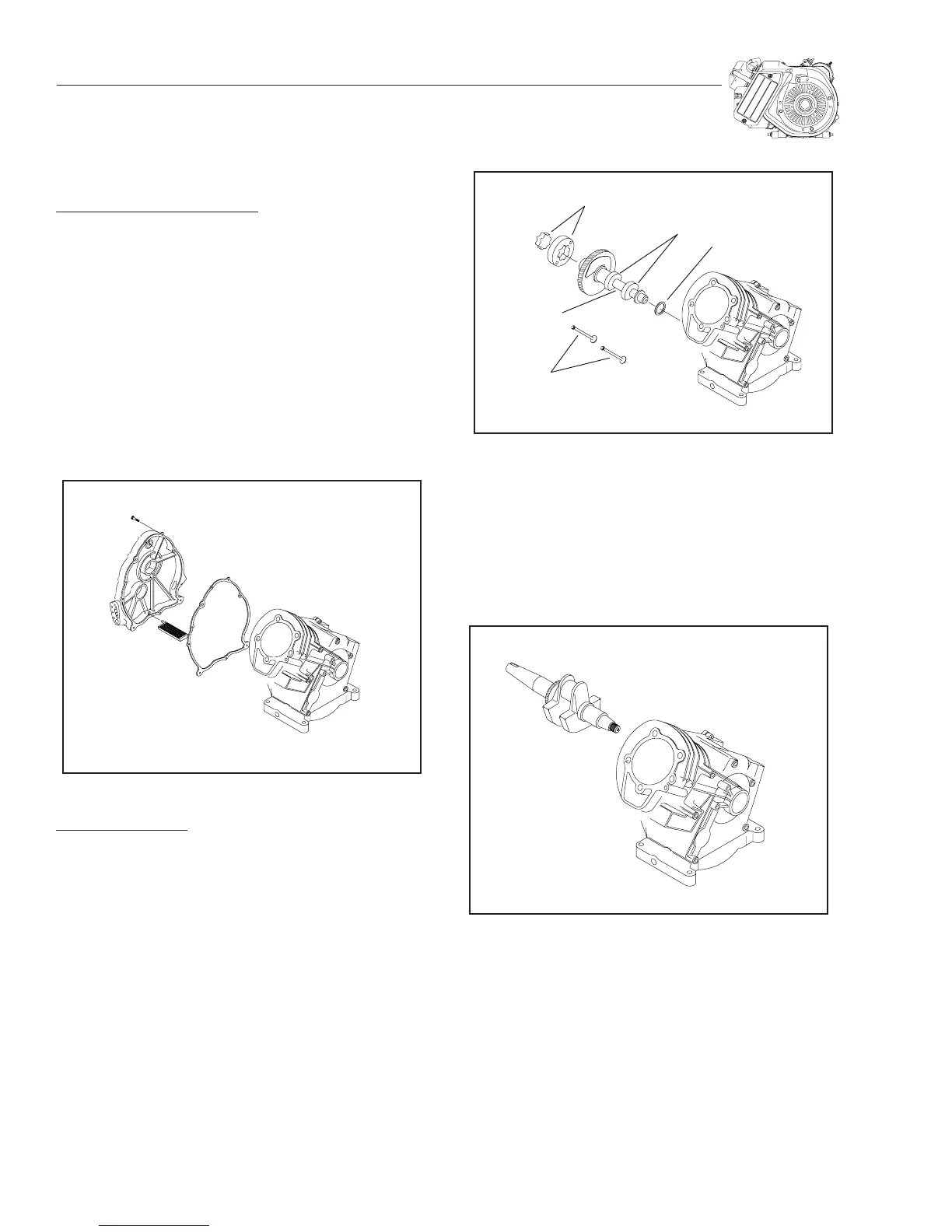
Figure 11.1 — Crankcase Cover Removal
CAMSHAFT REMOV
AL:
(See Figure 11.2)
1.Tip the engine over onto the flywheel end of the crank-
shaft.
2. Reach in with two fingers and hold the tappets up and clear
of the camshaft lobes. Then, remove the camshaft.
3.Remove the two tappets.
4.Remove the outer and inner oil pump rotors.
5.Remove the camshaft and spring washer.
Figure 11.2 — Camshaft Removal
CRANKSHAFT REMOVAL
1.The engine flywheel must be removed before attempting
to remove the crankshaft. See Section 8.
2.The piston and connecting rod must be removed. Refer to
Section 10.
3.Remove the crankshaft (Figure 11.3).
Figure 11.3 — Crankshaft Removal
TAPPETS
OIL PUMP ROTORS
CAMSHAFT LOBES
CAMSHAFT
SPRING WASHER



 To Next Page