Model 610A
27
before the High alarm relay will actuate. All other functions of the Model 610A Controller
will be the same as for the non-voting system.
If two four-channel units are to be employed to monitor one zone, the second Model
610A Controller can be interconnected to the first unit. The High alarm relays in both
Model 610A Controllers will actuate when any two or more of the eight channels reach
the alarm set point. The Low and Fault relays will function the same as they do in non-
voting systems (16 channel).
A maximum of four (4) Model 610A Controllers can be employed in this voting option.
(Please refer to Section 7.10, for typical interconnections).
NOTE: When more than one Model 610A Controller is used in a zone, all of the
controllers must be mounted adjacent to one another, to keep the
interconnecting leads as short as possible.
The Reset button for canceling latched alarm circuits is located on the front panel. The
circuits will only reset if the gas concentration has fallen below the set point level.
3.10.2 Set Up Options
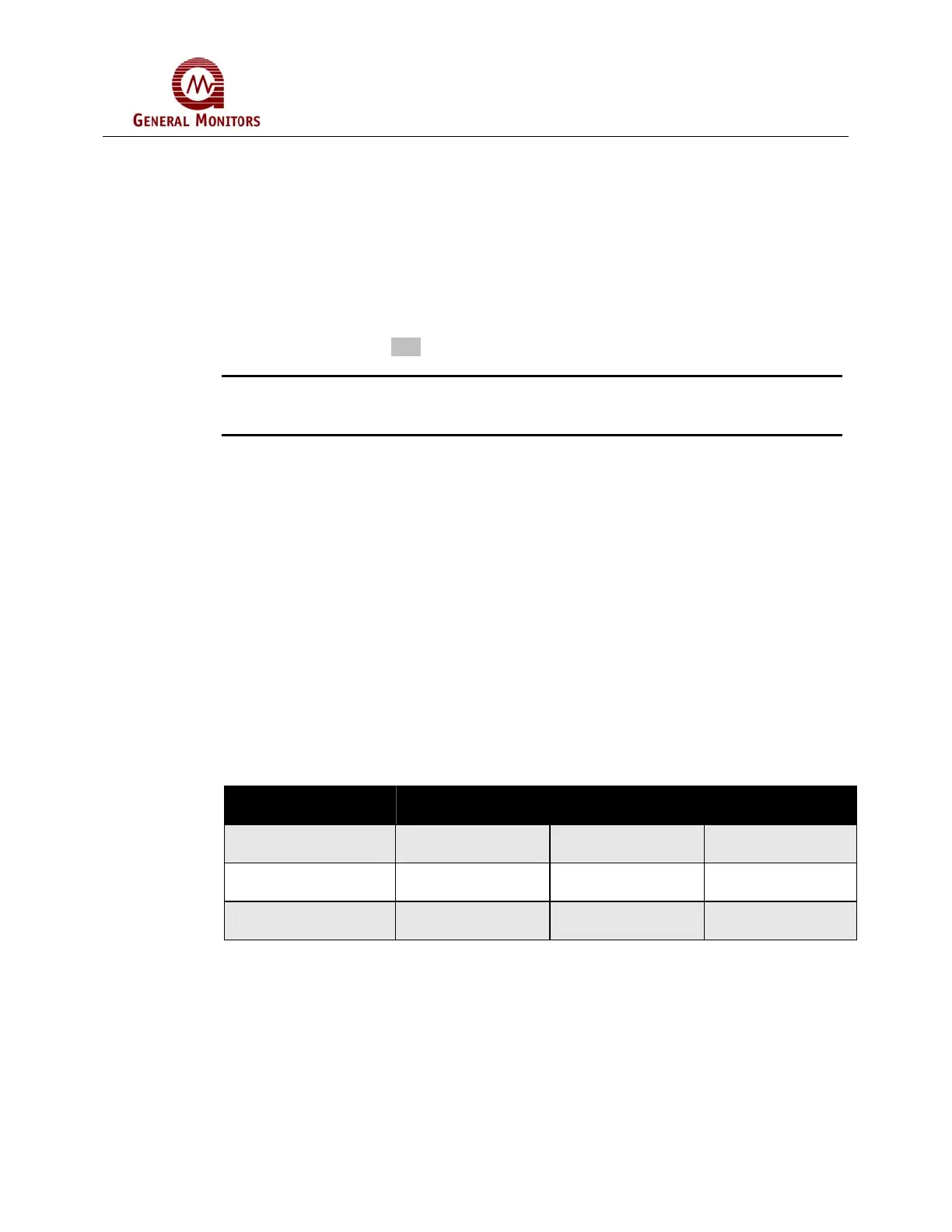
There are purchasable configured options of the Model 610A. The following list and table
outlines those options:
• Common Relays: The Master Board contains a set of relays for all four
channels.
• Common Alarms: Alarm set points can be set on the Master Board and is
common on all four boards.
• Discrete Relays: Each board has its own set of relays.
• Discrete Alarms: Alarm set points can be set on each channel separately.
Set Up Option Common Relays /
Common Alarms
Discrete Relays /
Common Alarms
Discrete Relays /
Discrete Alarms
Energized / De-
energized
Disabled on all
boards
Enabled Enabled
High Alarm Setting Enabled only on
Master board
Enabled only on
Master board
Enabled
Low Alarm Setting Enabled only on
Master board
Enabled only on
Master board
Enabled
Table 8: Relay Alarm Options



 To Next Page