12 genetec.com | Security Center 5.1 | Archive Player User Guide 5.1
EN.500.008-V5.1.C3(1)
Portable Archive Player User Guide | Playing files in Portable Archive Player
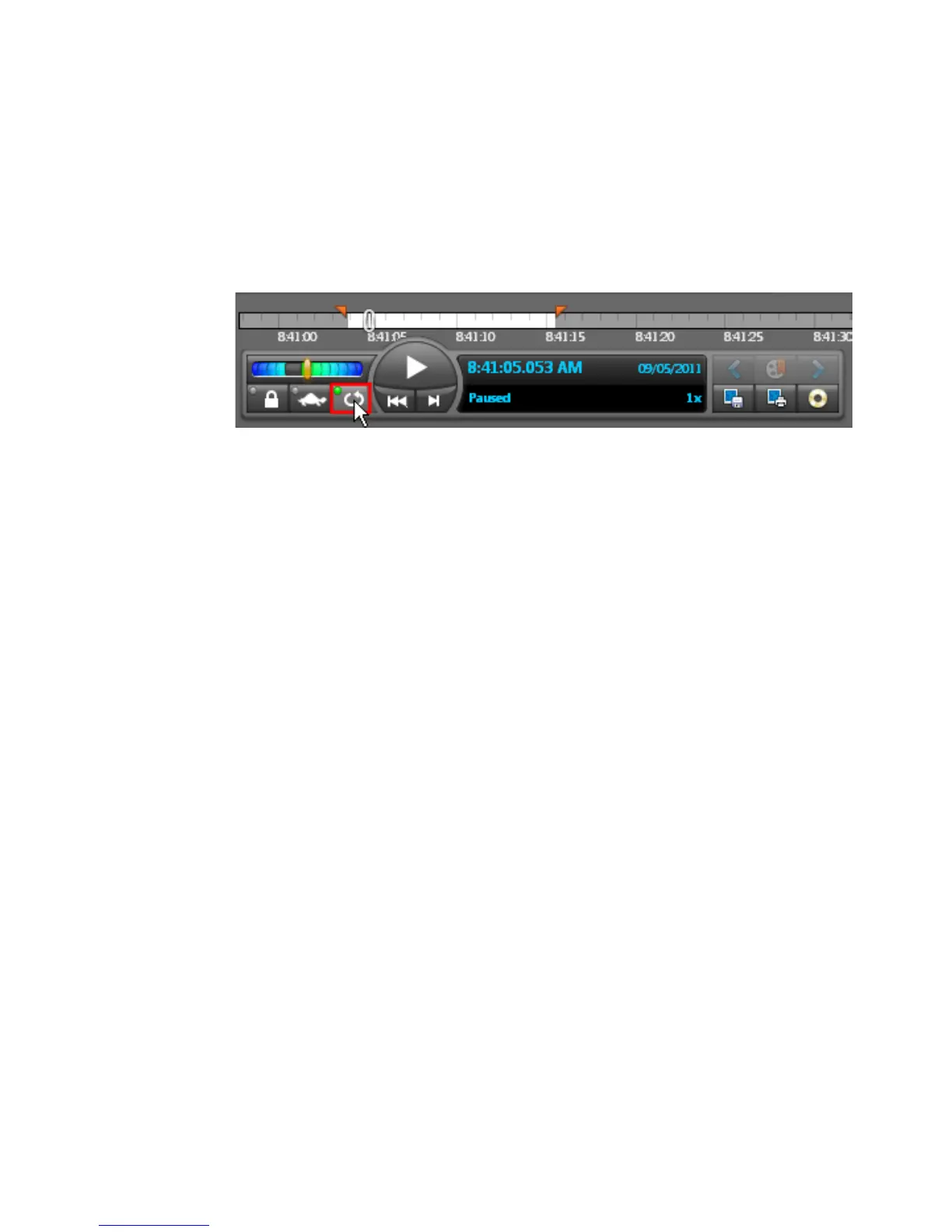
Setup a playback loop
You can create a playback loop to review the same sequence repeatedly:
1 Mark the time range sequence with the time range markers.
2 Position the playback cursor between the two markers.
3 Click on the Enable loop playback button.
4 Click the Play button.
The marked time range will now play in a continuous loop until you click the Disable
loop playback button. This will not stop the playback but it will simply turn off the
playback loop.
5 To clear the time range, click on the Reset markers button.



 To Next Page