4 genetec.com | Security Center 5.1 | Archive Player User Guide 5.1
EN.500.008-V5.1.C3(1)
Portable Archive Player User Guide | The Portable Archive Player user interface
About the Main menu
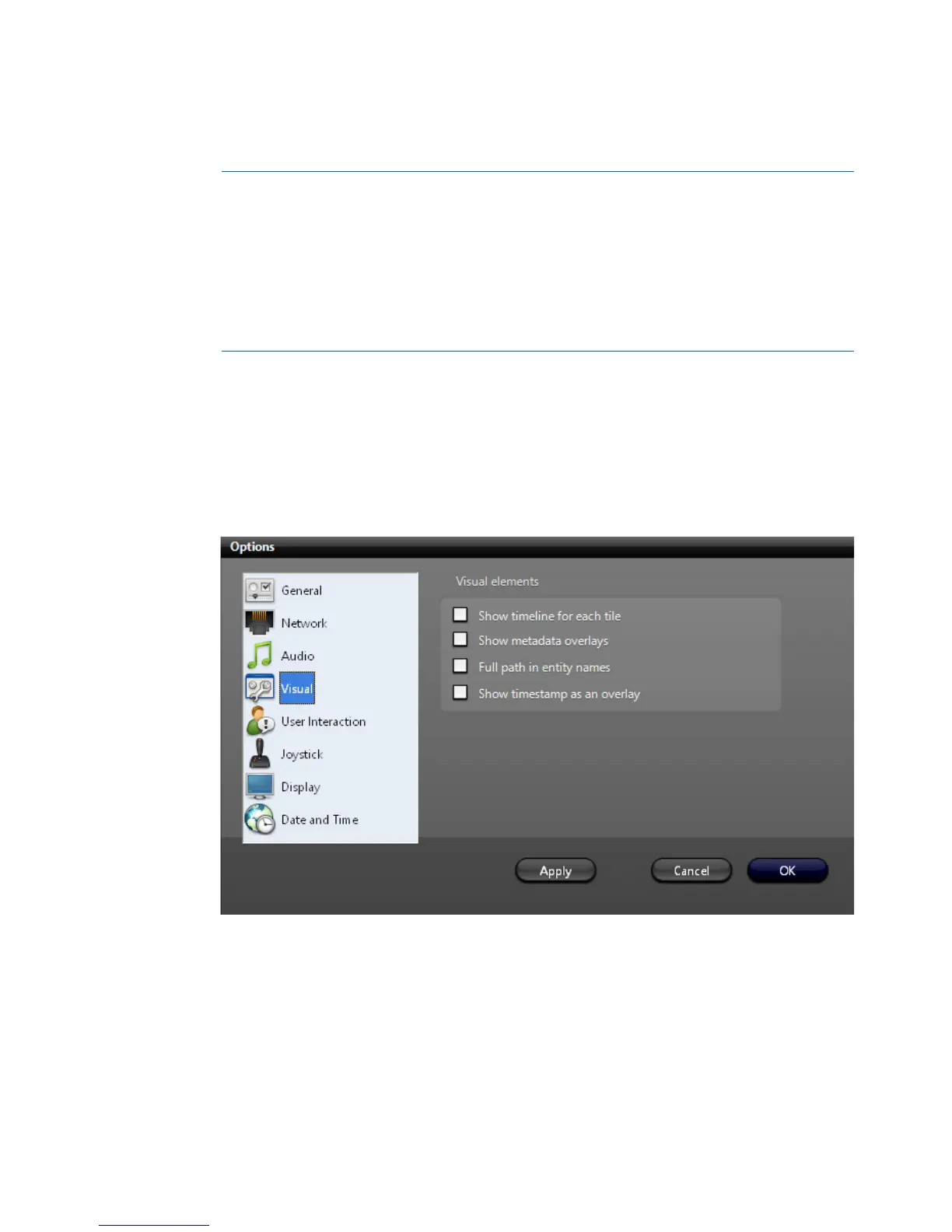
The Portable Archive Player’s main menu is a standard Windows menu. The View menu,
the Tools - Opti ons menu, the Help menu, are all found here. Menus support keyboard
shortcuts. Certain commands, such as changing the visual options, are only available
through the menu.
Tools - Options - Visual will open the Visual elements dialog box:
A Main menu. See "About the Main menu" on page 4.
B Main toolbar. See "About the Main menu" on page 4.
C File browser. See "About the File browser and Results pane" on page 6.
D Playback pane. See "About the Playback pane and Tool pane" on page 7.
E Tool pane. See "About the Playback pane and Tool pane" on page 7
F Results pane. See "About the File browser and Results pane" on page 6.



 To Next Page