User manual of Kloud Note v2.0 www.geniatech.com
Copyright © 2021 Shenzhen Geniatech Inc, Ltd. All rights reserved.
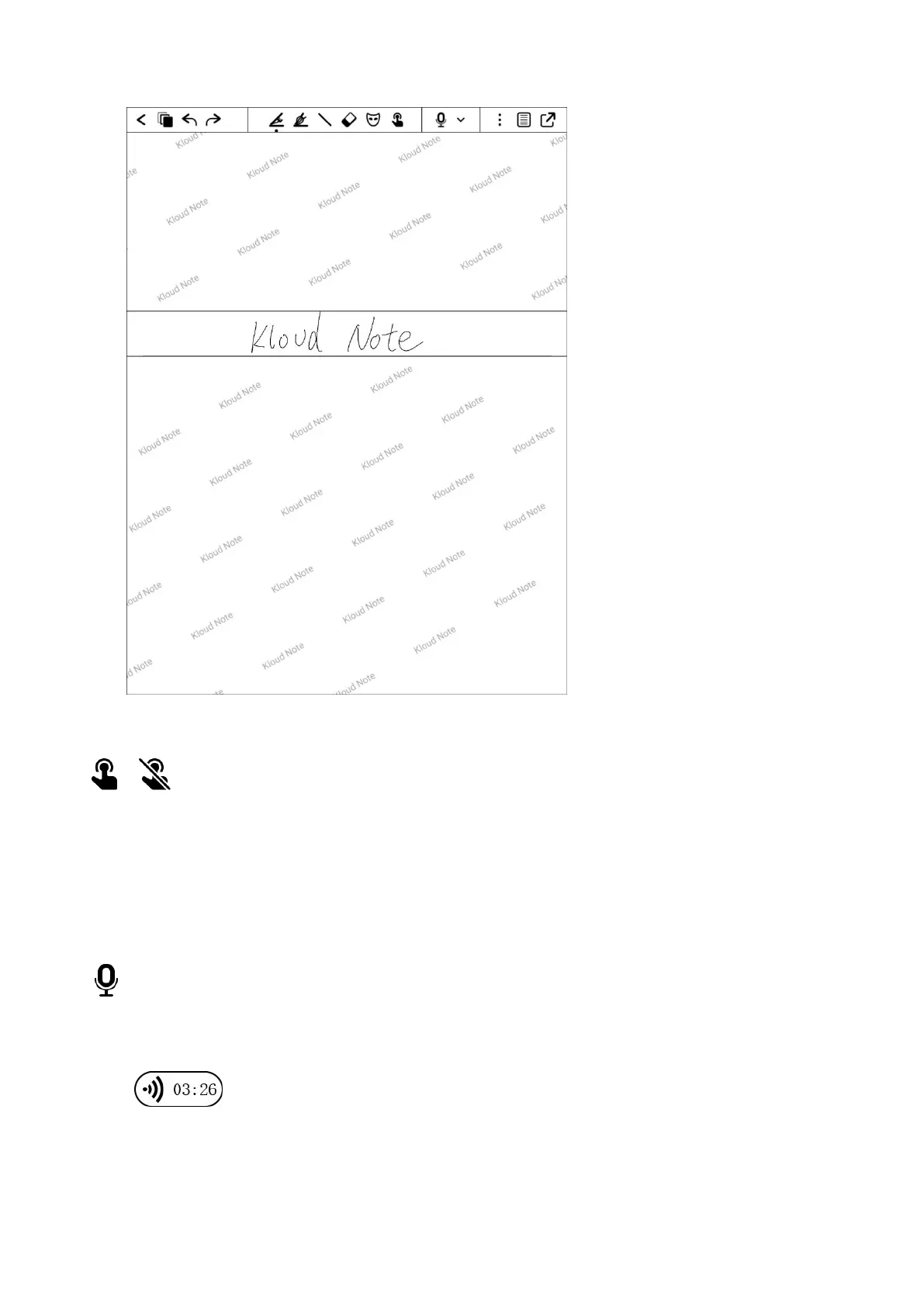
Disable / Enable touch
Disable/Enable hand touch operation.After disabling hand touch, the device
can only be operated with a pen.
Recording
Click the button to start recording, and click again to stop it, and a recording
icon will be generated in the page after saving.


 To Next Page