User manual of Kloud Note v2.0 www.geniatech.com
Copyright © 2021 Shenzhen Geniatech Inc, Ltd. All rights reserved.
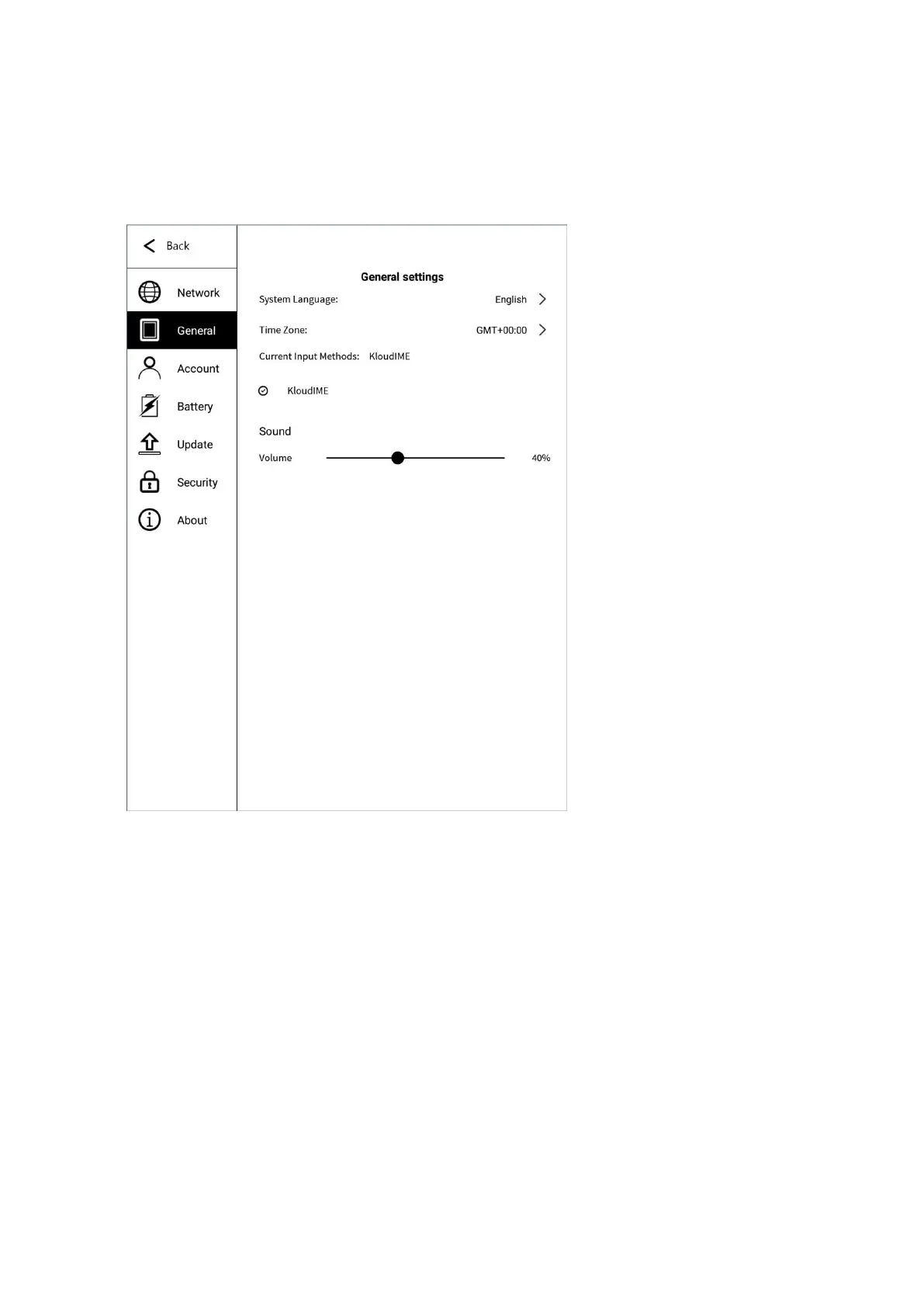
6.2 General settings
General settings include: system voice, time zone, input method and sound.
6.3 Account
The logged-in device can enjoy the services of syncing notes & books to the
cloud server, and downloading notes & books from the cloud server to the
device. Visit https://www.kloudnote.com through the browser on PC or mobile
phone, you can log in & view the notes & books in cloud storage.


 To Next Page