User manual of Kloud Note v2.0 www.geniatech.com
Copyright © 2021 Shenzhen Geniatech Inc, Ltd. All rights reserved.
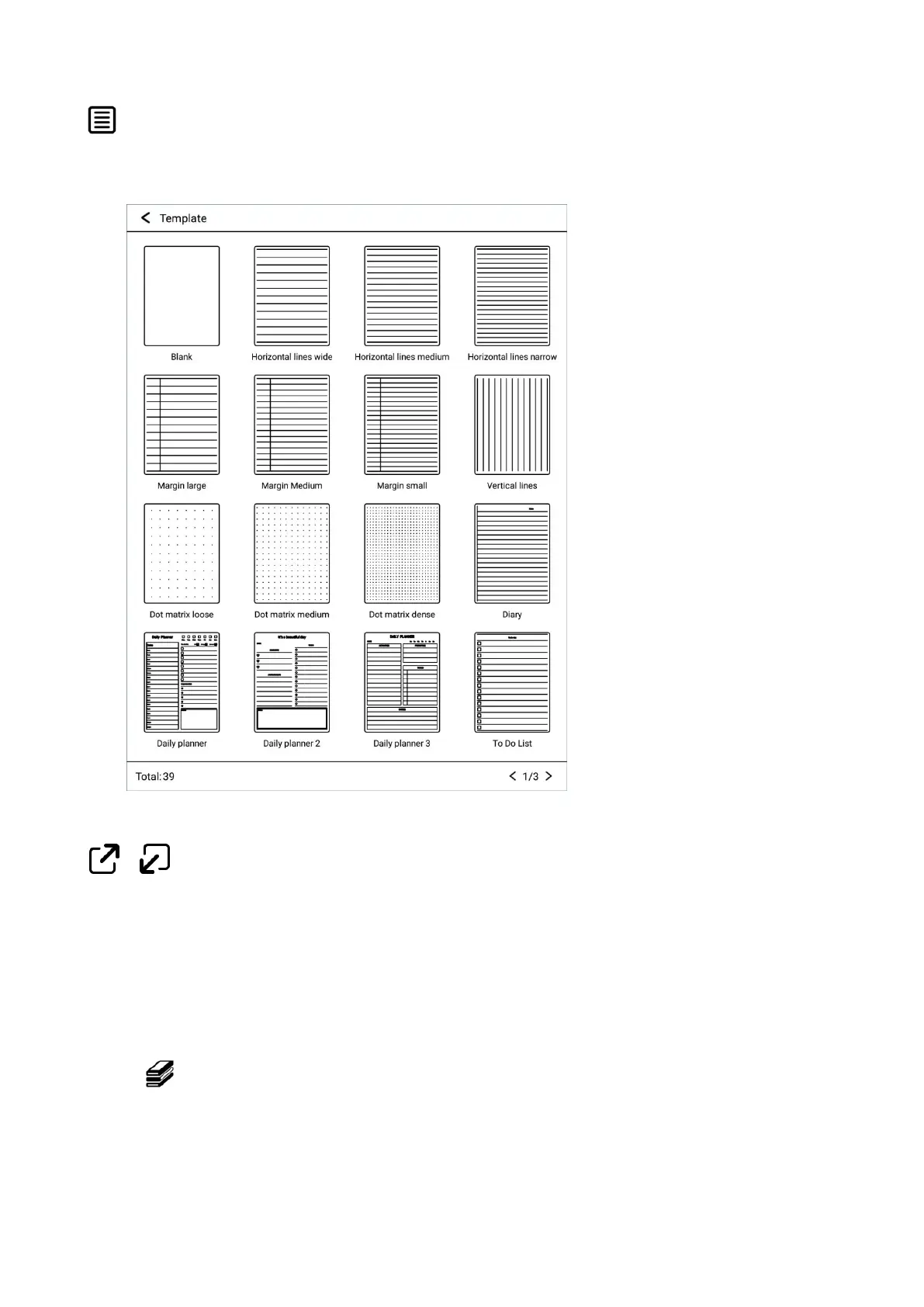
Type of writing paper
Different type of writing paper can be selected/switched.
Full screen / Exit full screen
Go to full screen / exit full screen mode.
4. Reader
Click on the main interface to display the book list and the book
management menu.


 To Next Page