User manual of Kloud Note v2.0 www.geniatech.com
Copyright © 2021 Shenzhen Geniatech Inc, Ltd. All rights reserved.
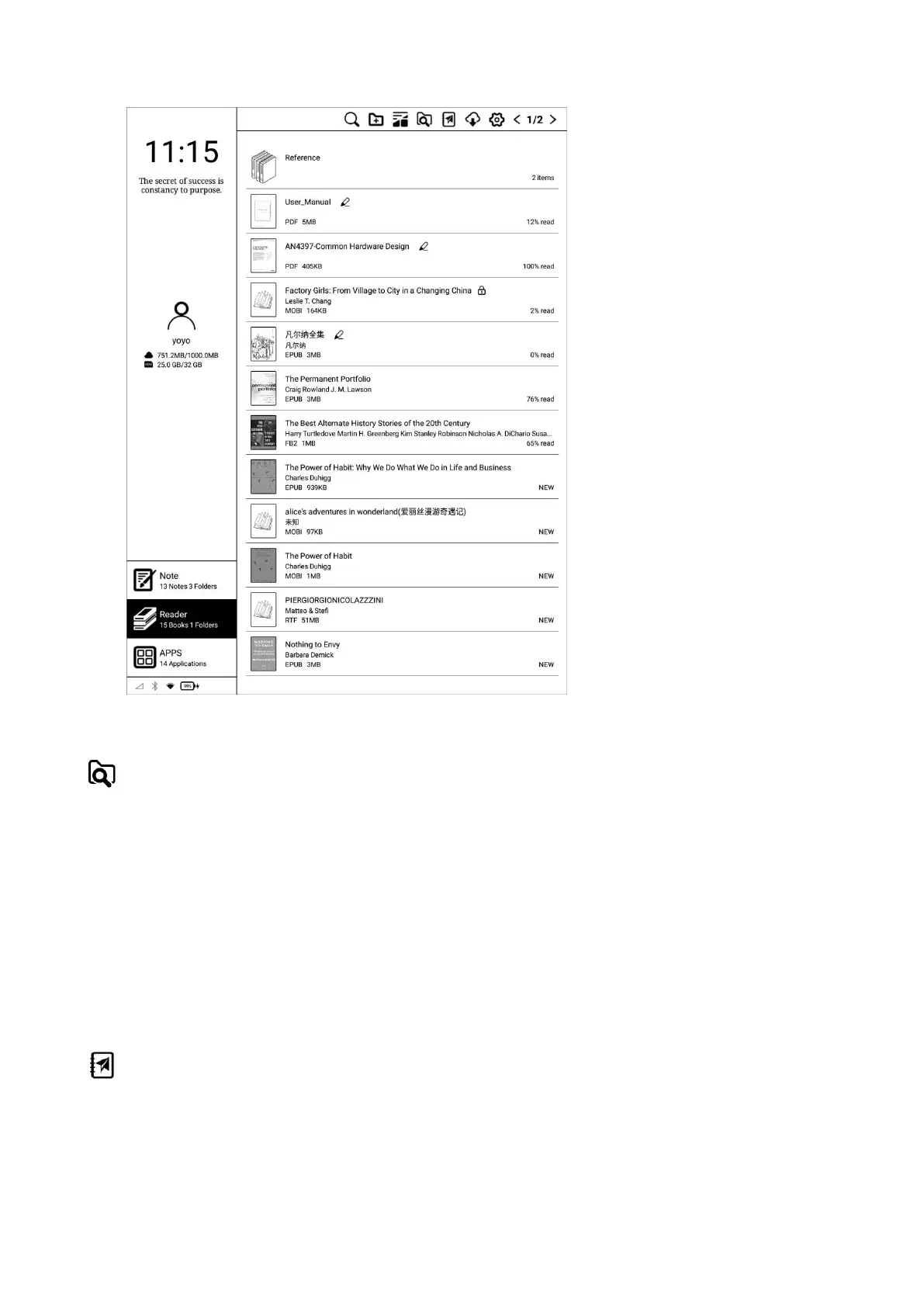
Scan
Click it to scan all documents in the internal storage and display them in the
default bookshelf.
The supported formats are: PDF, TXT, EPUB, MOBI, RTF, FB2, DOC, HTML,
etc.
WiFi Transfer
When the mobile phone or computer and Kloud Note are connected to the
same local area network, you can transfer books and documents from the


 To Next Page