User manual of Kloud Note v2.0 www.geniatech.com
Copyright © 2021 Shenzhen Geniatech Inc, Ltd. All rights reserved.
5.3 FileManager
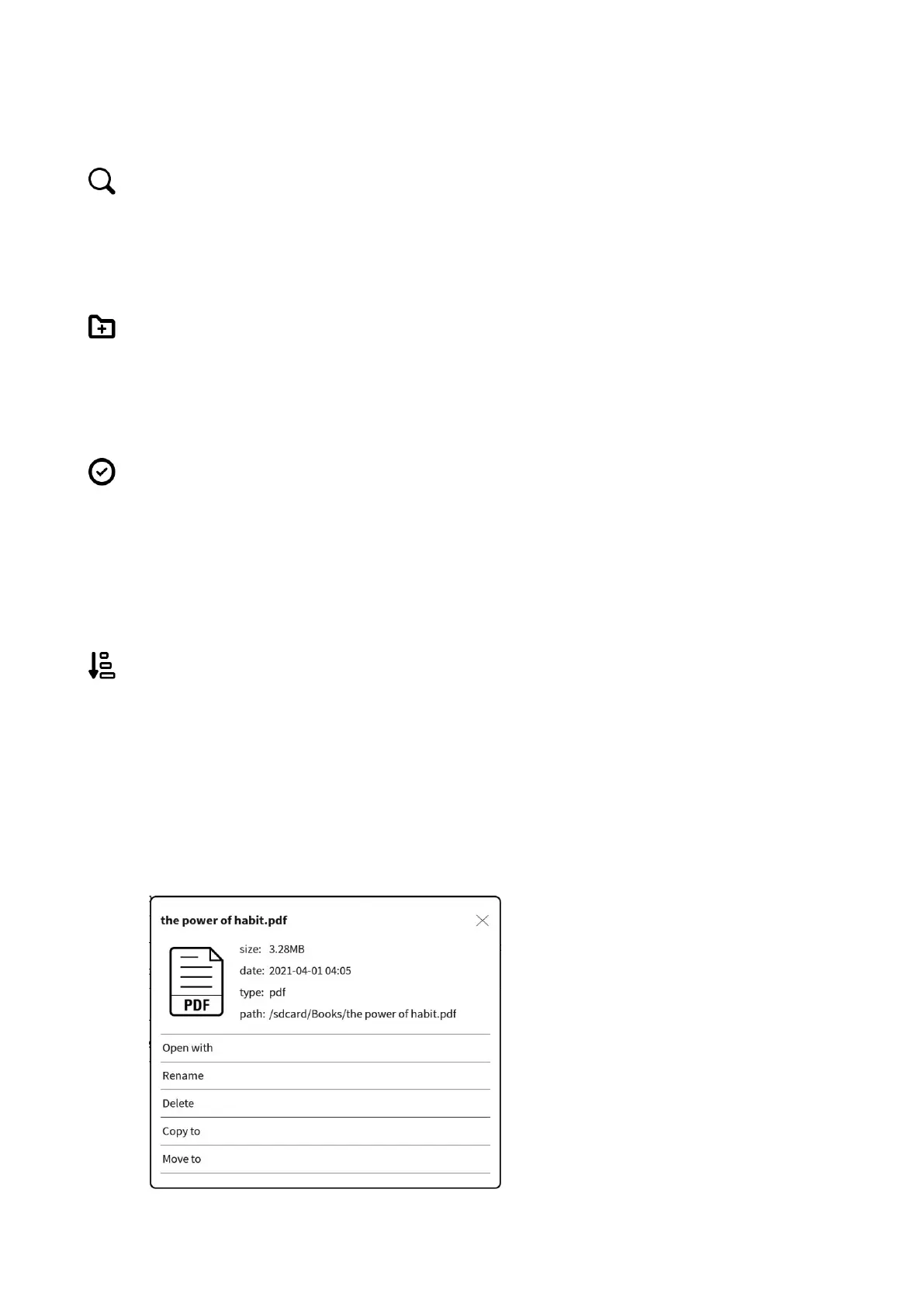
Search
Input keywords to search.
New folder
After creating a new folder, you can move files to the folder.
Select
In the selection interface, you can select / deselect folders and files, and copy /
move / delete the selected items.
Sort
Select ascending/descending order by note creation time, note modification
time and note name.
Long press the file to open, rename, delete, copy and move it.


 To Next Page