29
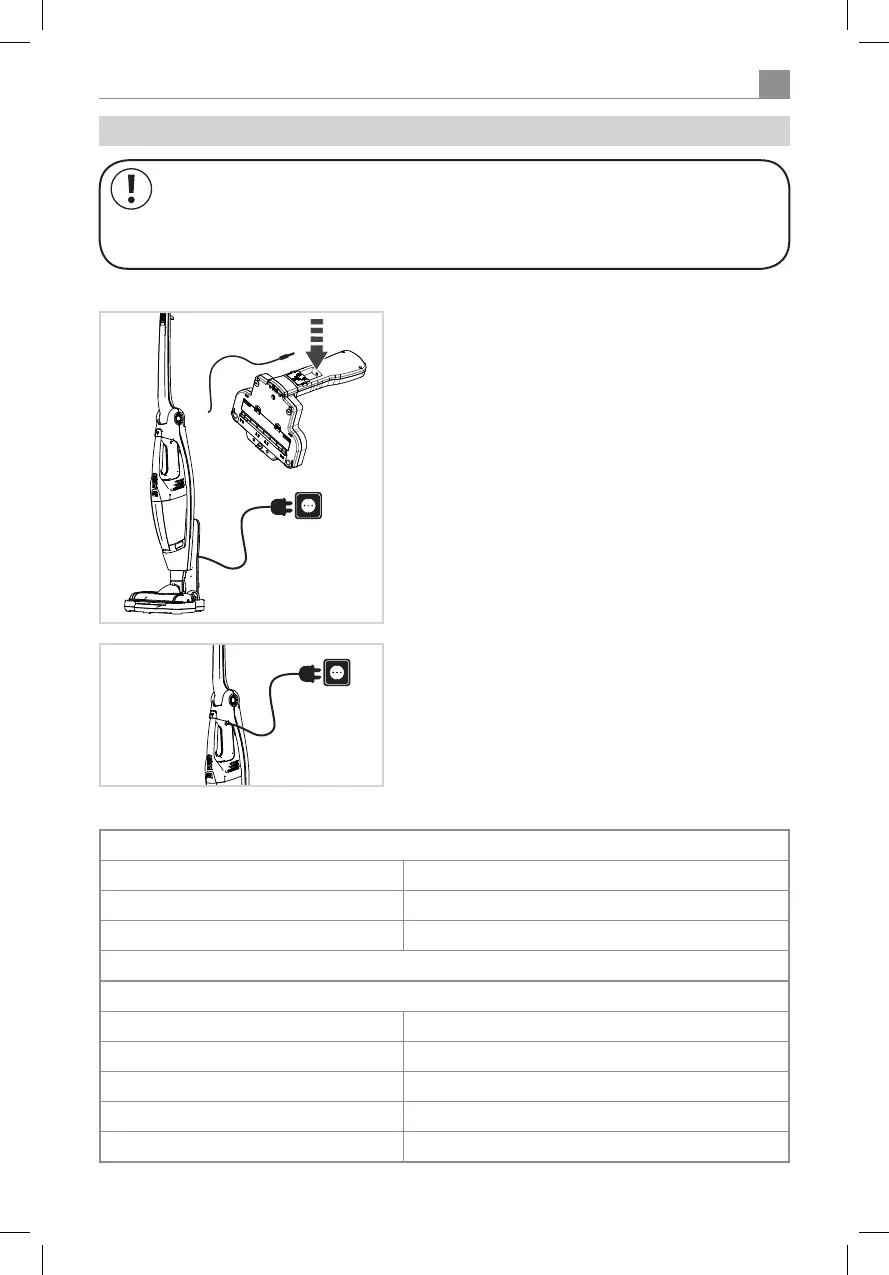
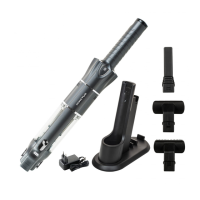
In the charging station:
Plug the charging station into a suitable socket with the
supplied charging cable.
Put the appliance into the charging station.
Ensure that appliance and charging station are properly
connected (check the charge indicator).
The handheld unit can also be plugged directly into the
mains. The socket is on the side of the handheld unit’s
handle.
6.3 Charging the battery
NOTE!
Charge the battery with the supplied charging cable only. Always use original batteries.
Disconnect the cable from the mains when it isn‘t being used.
Charging indicator light
When charging:
First LED blinks 1-40 % charged
SecondLEDblinks,rstLEDislitup 40-70 % charged
Third LED blinks, other two LEDs are lit up 70-99 % charged
When all 3 LEDs are lit up the battery is fully charged
During use:
All 3 LEDs are lit up 60-100 % capacity
2 LEDs are lit up 30-60 % capacity
1 LED is lit up 10-30 % capacity
1 LED is blinking 1-10 % capacity
All 3 LEDs are blinking Indicates a fault. See the section on „Trouble shooting“


 To Next Page