31
6.2 Charging the battery
NOTE!
Charge the battery with the supplied charging cable only. Always use original batteries
Disconnect the cable from the mains when it isn‘t being used.
When the vacuum cleaner is in use the indicator light is blue. It
changes to red when the battery power becomes depleted.
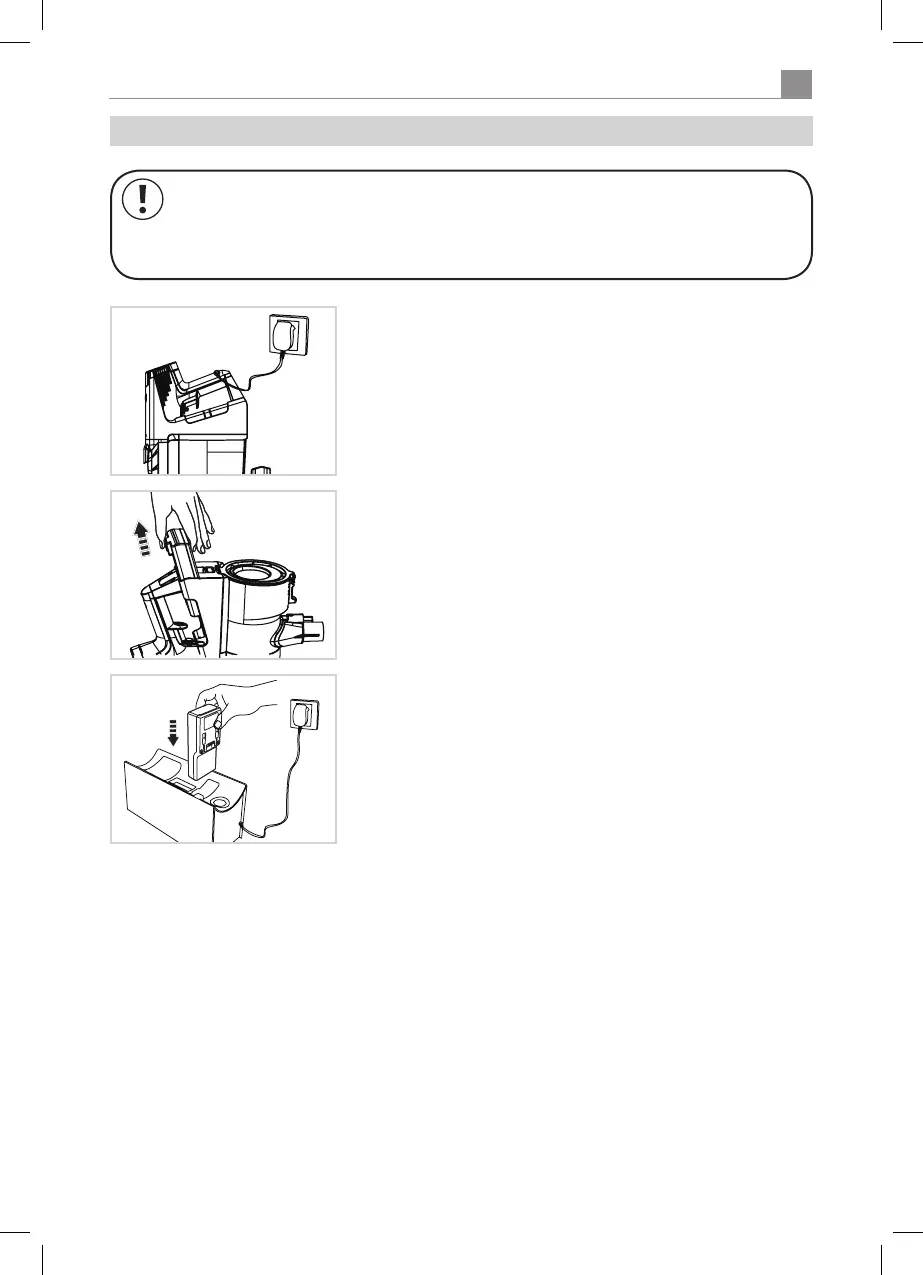
To recharge the battery connect the charging socket to the mains
with the charging cable.
Theindicatorlightashesblueduringthechargingprocess.Whenit
goes out the battery is fully charged.
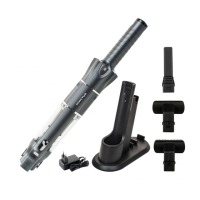
Connect the charging station to the mains with the supplied charging
cable and insert the battery into the correct aperture. Position the
charging station so that nobody can trip over it or the cable.
Theindicatorlightashesduringthechargingprocess.Whenitgoes
out the battery is full charged and can be returned to the main unit.
The battery can also be recharged on the separate charging station.
Remove the battery from the main unit by pressing the release
button at the end of the battery and pulling it out.


 To Next Page